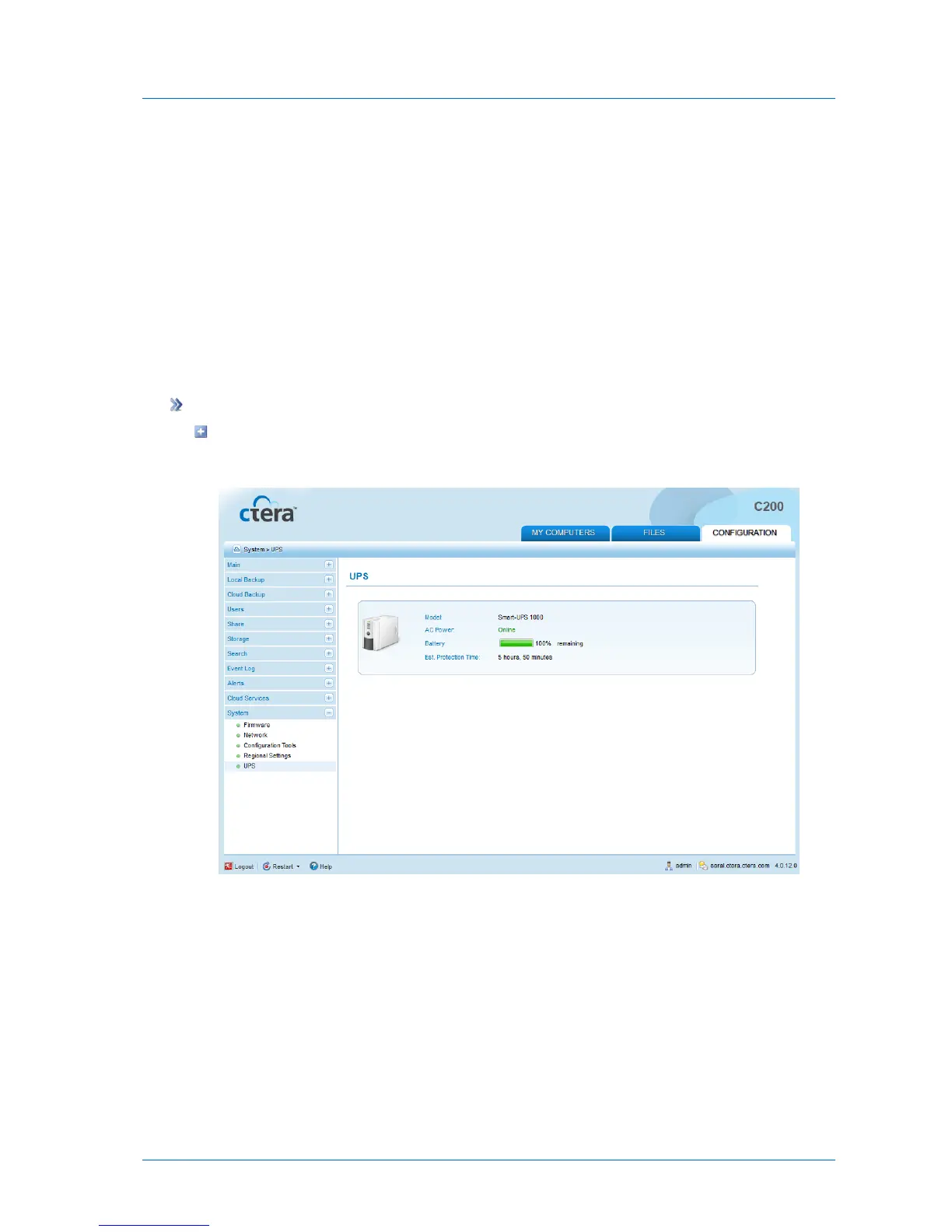
Viewing Attached UPS Device Details
You can view general information about attached USB-based UPS (Uninterruptible Power
Supply) devices, including vendor and model, power status, estimated remaining protection
time, and battery charge level.
If the UPS device's reported state is "Low Battery", the appliance will automatically initiate an
orderly shut down procedure.
UPS devices that support the USB HID power device class, such as those from APC and
TrippLite, are supported. For additional information, contact the device vendor.
To view details about attached UPS devices
In the Configuration tab's navigation pane, click System > UPS.
The System > UPS page appears displaying the information in the following table.



 To Next Page