EasyManua.ls Logo

Ctera C800 - Manually Setting Up Storage

Ctera C800
370 pages
Print Icon
To Next Page IconTo Next Page
To Previous Page IconTo Previous Page
Loading...
7 Managing Storage
68 CTERA C-Series User Guide
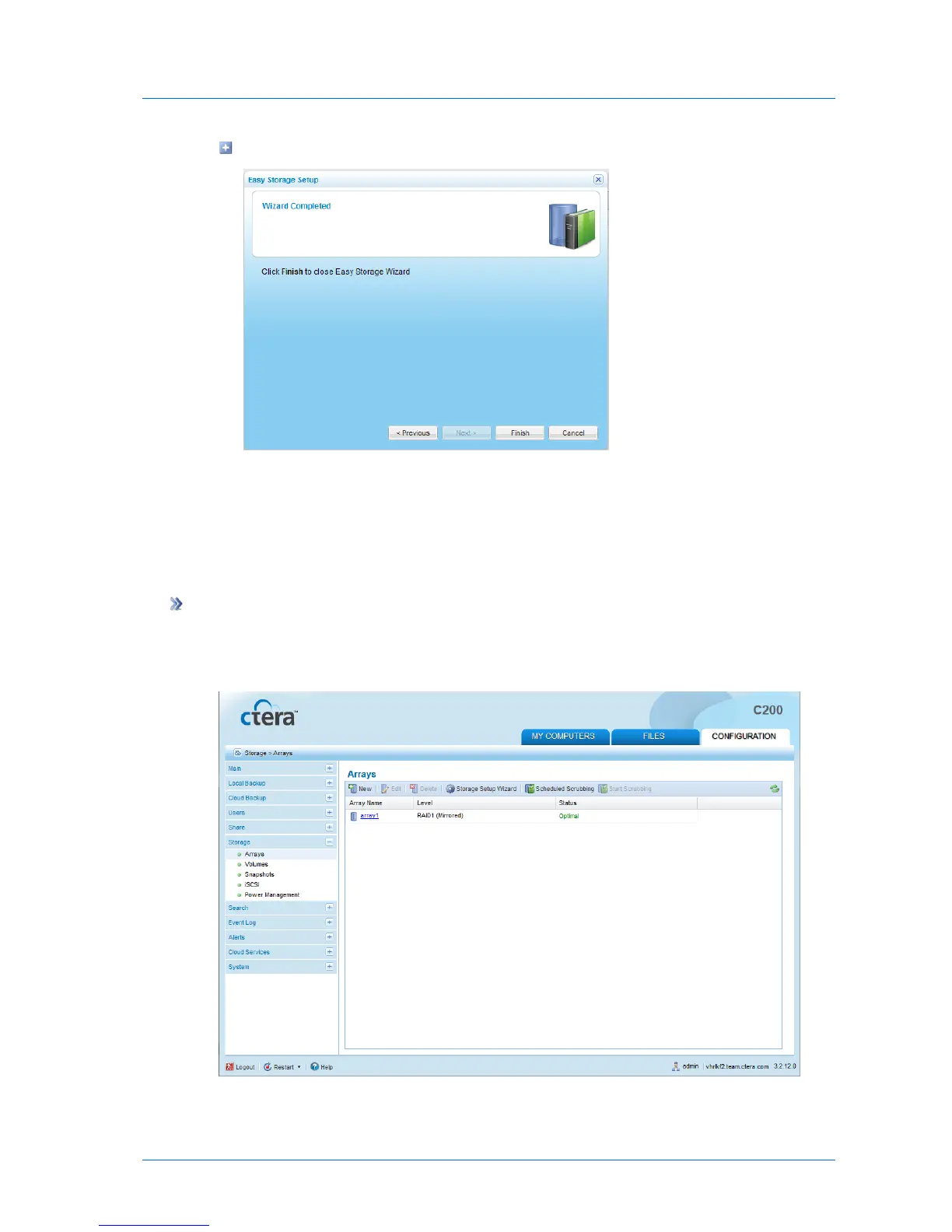
The Wizard Completed screen appears.
5 Click Finish.
Manually Setting Up Storage
Adding and Editing Arrays
To add or edit an array
1 In the Configuration tab's navigation pane, click Storage > Arrays.
The Storage > Arrays page appears.
2 Do one of the following:


Table of Contents

Related product manuals