CTERA C-Series User Guide 67
a Click Format next to the drive.
A confirmation message appears.
b Click Yes.
The drive is formatted, and all of its contents are erased.
Formatting erases all data on the drive. If you would like to retain data on a drive,
do not format it.
The appliance supports using hard drives preformatted using the following file
systems: FAT32, NTFS, EXT3, NEXT3™. If your hard drive is already formatted
using one of these file systems, then you are not required to format it. If you
choose to format a drive, it will use the NEXT3 file system.
4 Click Next.
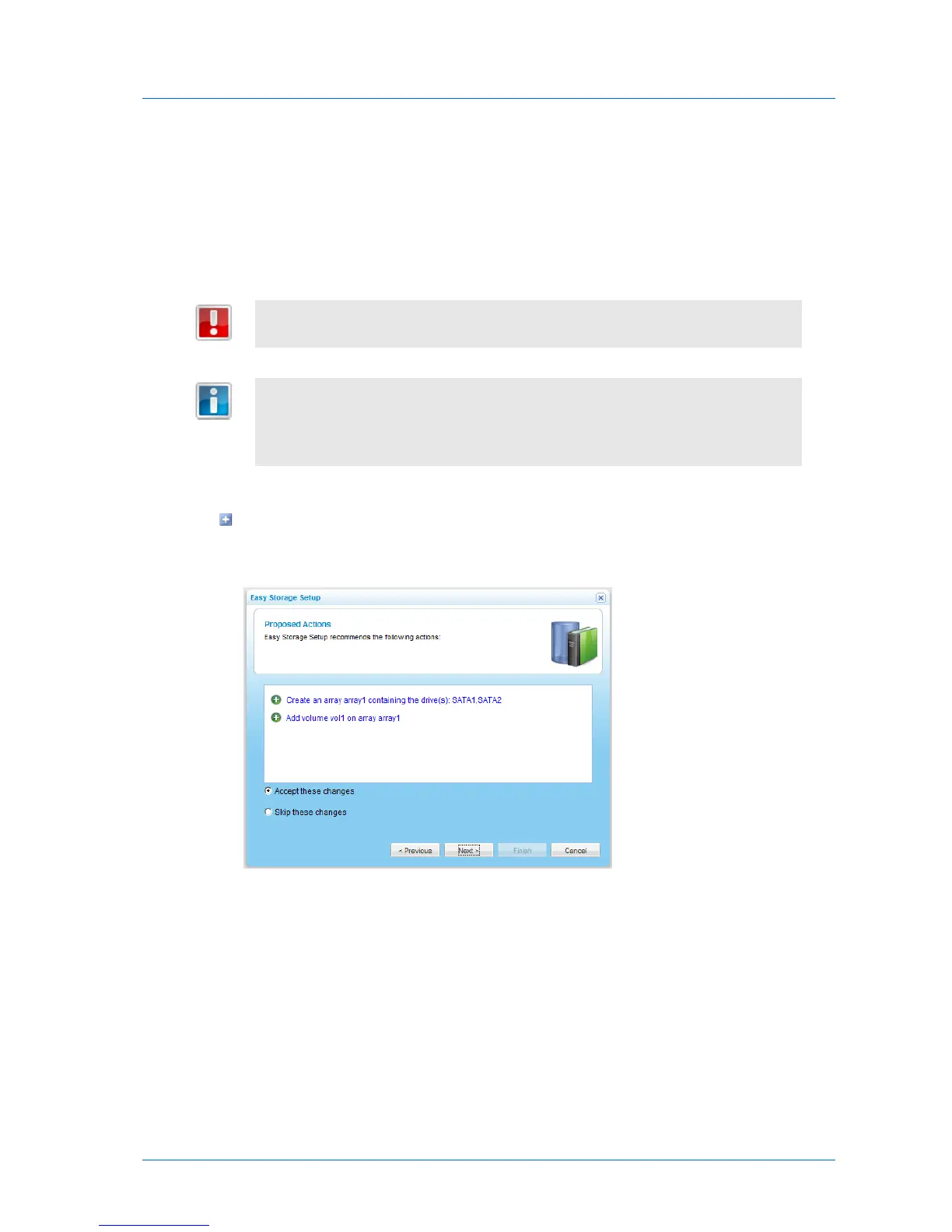
If the Storage Setup Wizard determines that certain storage configuration changes
involving this drive would be beneficial, the Proposed Actions dialog box appears
describing the changes.
Do the following:
1 (Optional) To skip implementing the proposed configuration changes, click Skip
these changes.
2 Click Next.



 To Next Page