CTERA C-Series User Guide 53
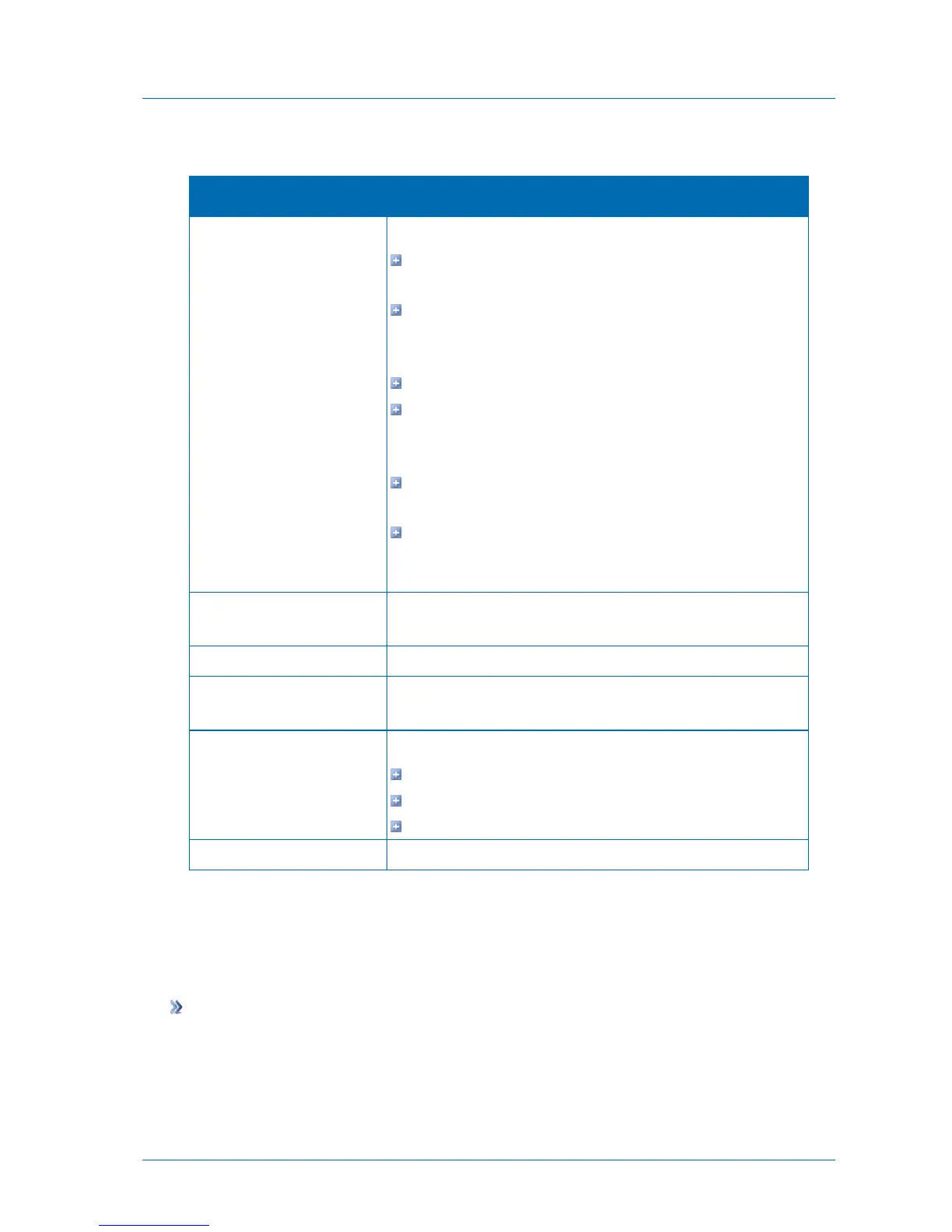
Table 16: Services Status Information
The status of the connection to the CTERA Portal:
Resolving the portal address. The appliance is resolving the
CTERA Portal address.
Connected to portalName. The appliance is connected to the
CTERA Portal named portalName, and the connection is
currently in use.
Connecting. The appliance is connecting to the CTERA Portal.
Disconnected. The appliance is disconnected from the CTERA
Portal. You can reconnect as described in Reconnecting to
Services (on page 54)
Authenticating. The appliance is authenticating to the CTERA
Portal.
Connection Failed. The connection to the CTERA Portal failed.
You can reconnect as described in Reconnecting to Services (on
page 54).
The amount of time that the appliance has been connected to the
CTERA Portal.
The IP address of the CTERA Portal server.
The name of each subscription service available from the CTERA
Portal.
The status of your subscription to each service:
OK. You are connected to the service through the CTERA Portal.
Disabled. The service is not currently available.
Not Subscribed. You are not subscribed to the service.
Additional information about the subscription services.
Modifying Your Services Connection Settings
If you need to connect to a different CTERA Portal or enter new login credentials, you can do
so using the following procedure.
To modify your connection settings
1 In the Configuration tab's navigation pane, click Cloud Services > Status.
The Cloud Services > Status page appears.
2 Click Settings.



 To Next Page