Monitoring Your CTERA Appliance 17
CTERA C-Series User Guide 303
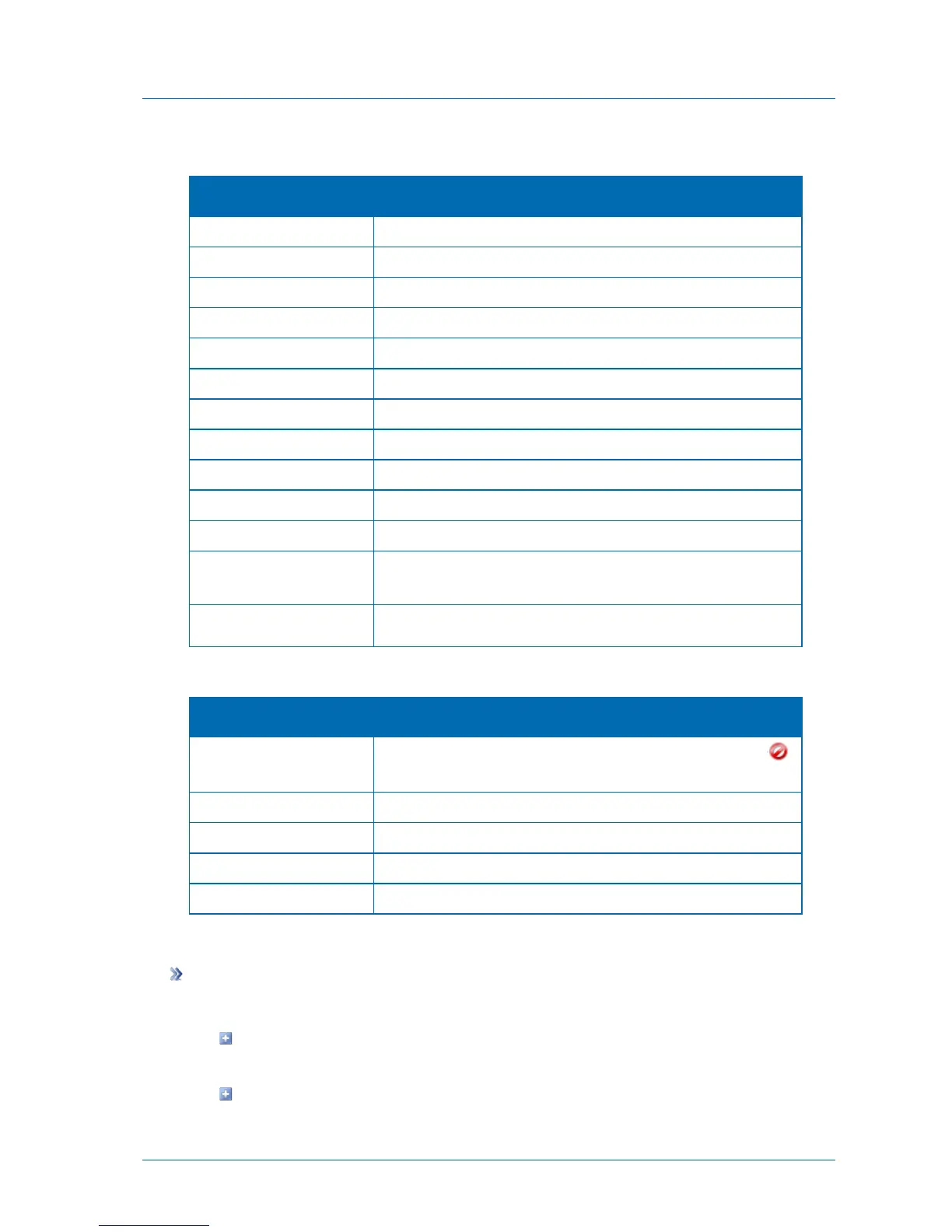
Table 66: Local Backup Log Upper Pane Fields
An icon indicating the log level. See Log Levels (page 301).
The date and time at which the synchronization operation started.
The name of the sync rule.
The operation mode, Backup or Restore.
The type of synchronization, Manual or Scheduled.
The synchronization level, Files or Disk-level backup.
The amount of time the synchronization operation took.
The result of the synchronization operation.
The number of files at the synchronization source.
The total size of the files at the synchronization source in MB.
The number of files transferred to the synchronization destination.
The total size of the files transferred to the synchronization
destination in MB.
Additional information about the synchronization operation.
Table 67: Local Backup Log Lower Pane Fields
An icon indicating that an error occurred during synchronization (
).
The name of the file for which an error occurred.
The result of the synchronization operation.
Additional information about the synchronization operation.
Viewing Cloud Backup Logs
To view Cloud Backup logs
1 Do one of the following:
To access Cloud Backup logs from the Cloud Backup > Control Panel page, click
History.
To access Cloud Backup logs from the Log Viewer:



 To Next Page