Setting Up Sync Rules
Adding and Editing Sync Rules
To add or edit a sync rule
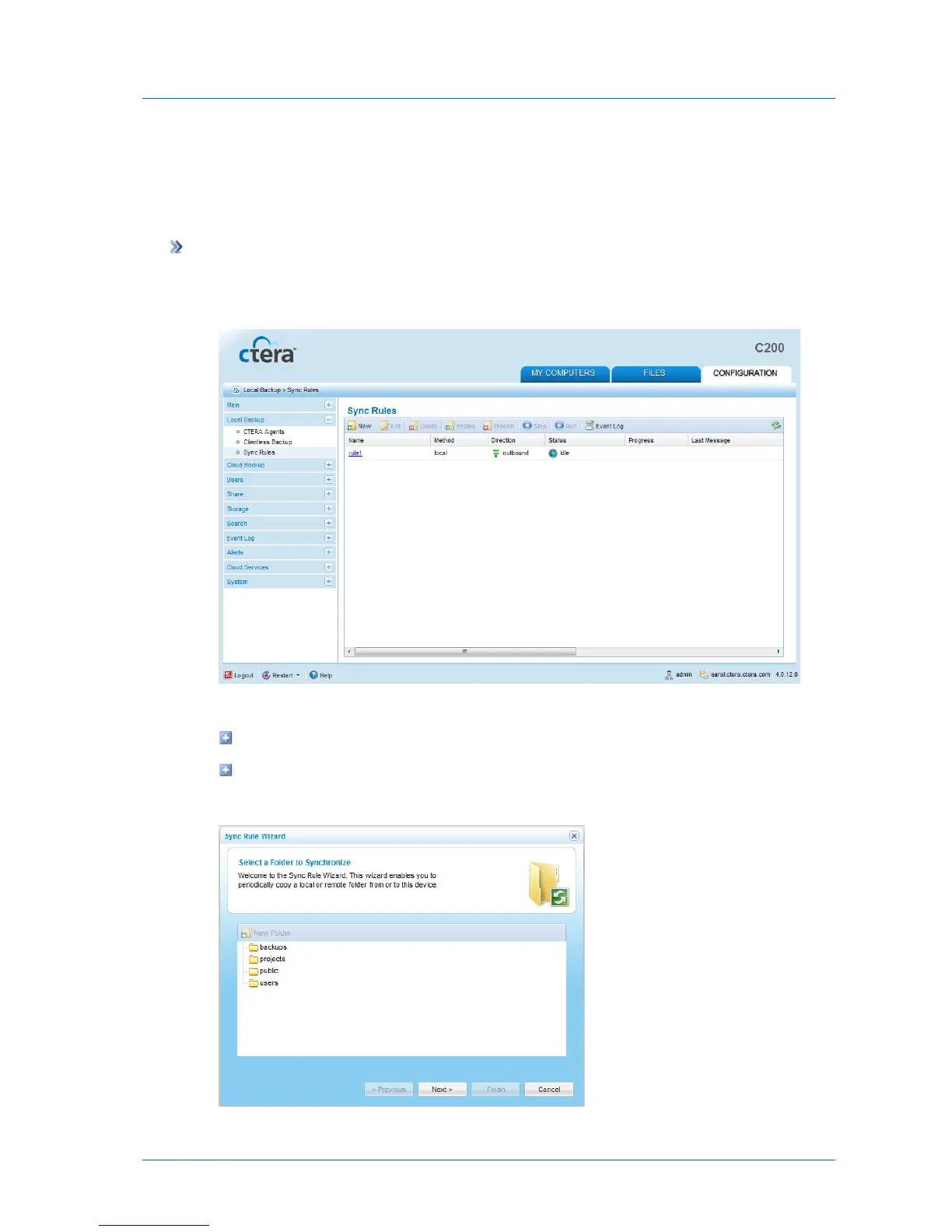
1 In the Configuration tab's navigation pane, click Local Backup > Sync Rules.
The Local Backup > Sync Rules page appears.
2 Do one of the following:
To add a new sync rule, click New.
To edit an existing sync rule, click on its name.
The Sync Rule Wizard opens, displaying the Select a Folder to Synchronize dialog box.



 To Next Page