3 Expand the tree nodes and select the folder you want to synchronize.
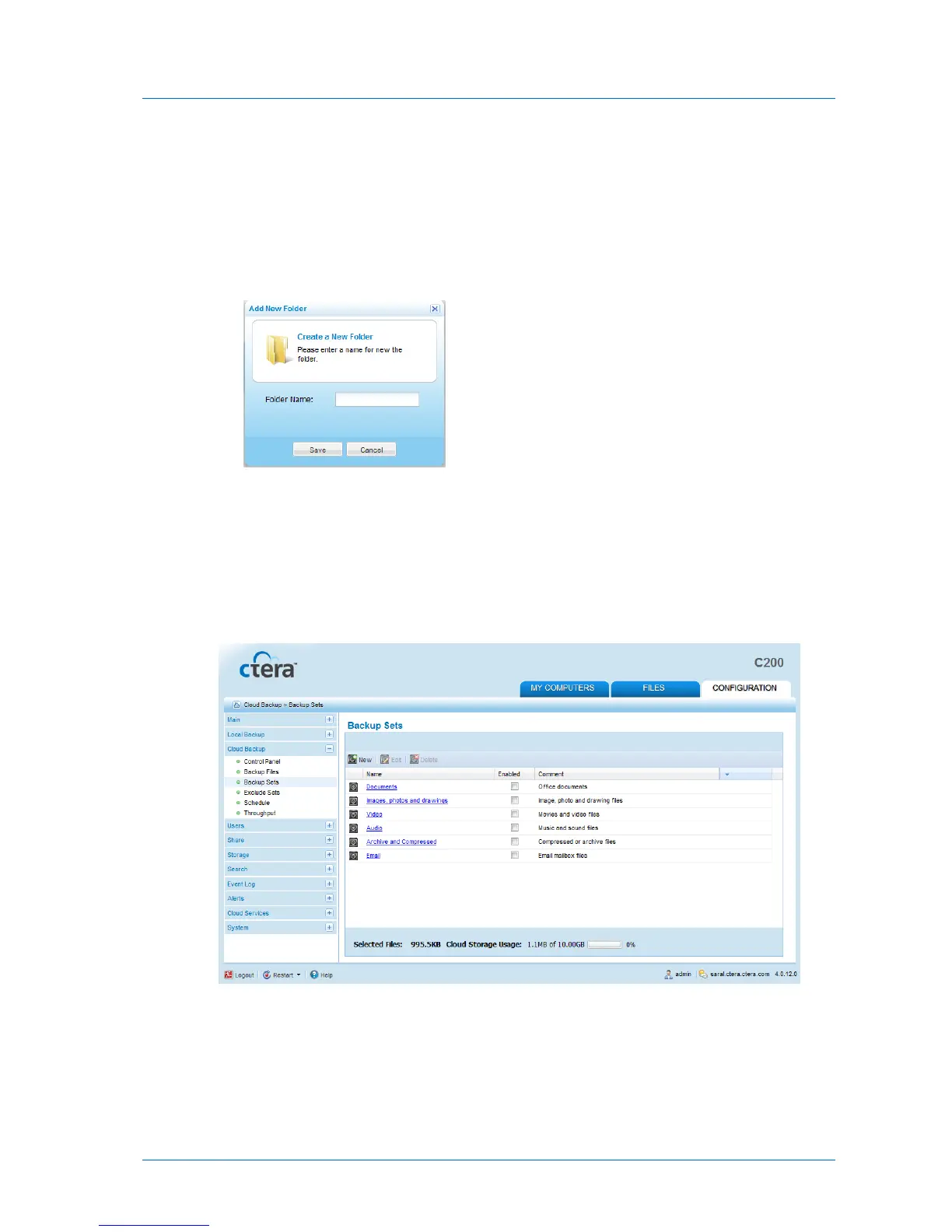
4 (Optional) To create a new folder, do the following:
a In the tree, select the parent folder in which you want to create the new folder.
b Click New Folder.
The Create a New Folder dialog box opens.
c In the Folder Name field, type a name for the folder.
d Click Save.
A new folder is added to the selected parent folder.
5 Click Next.
The Specify the Synchronization Method dialog box appears.
Choose the desired synchronization method using the information in the following table.
6 Click Next.
7 Do one of the following:



 To Next Page