3 Select the Yes, I have a CTERA Portal account check box.
4 In the Portal Address field, type the hostname of the CTERA Portal.
5 In the Username field, type the user name for your CTERA Portal account.
6 In the Password field, type the password for your CTERA Portal account.
7 Click Next.
Your appliance connects to the CTERA Portal and is added to your CTERA Portal account.
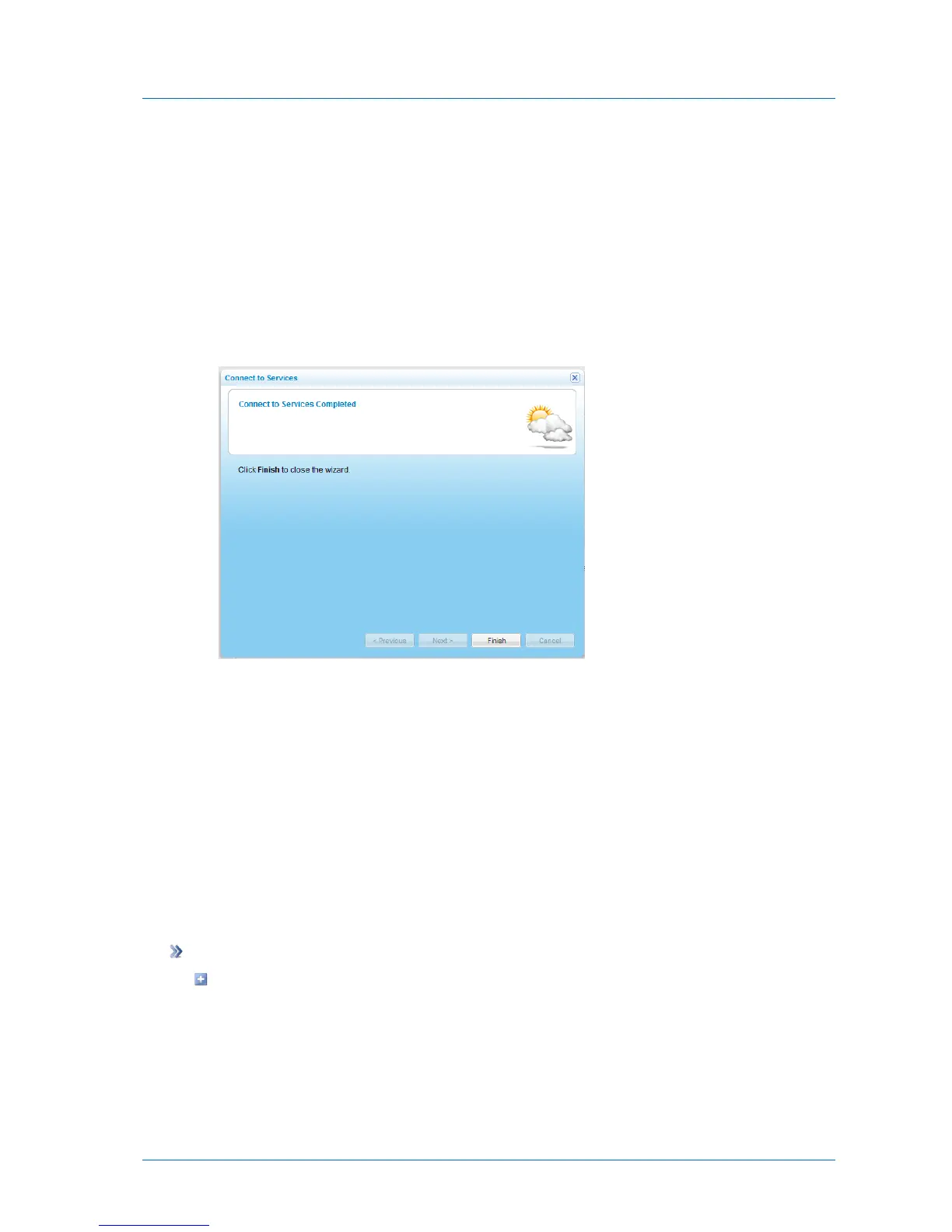
The Connect to Services Completed screen appears.
8 Click Finish.
The Cloud Services > Status page displays information about your CTERA Portal account
and services.
The CTERA Portal area should display "Connected", and the Subscription Information
area should display "OK" next to the services to which you are subscribed.
Viewing Service Information
You can view information about your connection to the CTERA Portal and your subscription
services.
To view service information
In the Configuration tab's navigation pane, click Cloud Services > Status.



 To Next Page