See Configuring the Agent (on page 231).
b If you did not select files and folders for file-level backup while configuring the CTERA
Agent's settings (in the previous step), then select the files and folders that should be
included in local backup operations.
See Selecting Files and Folders for File-Level Backup (on page 240).
Local configuration is controlled by the Allow user to configure the agent check box in
the CTERA Agent global settings.
Downloading and Installing CTERA Agent
To download and install CTERA agent
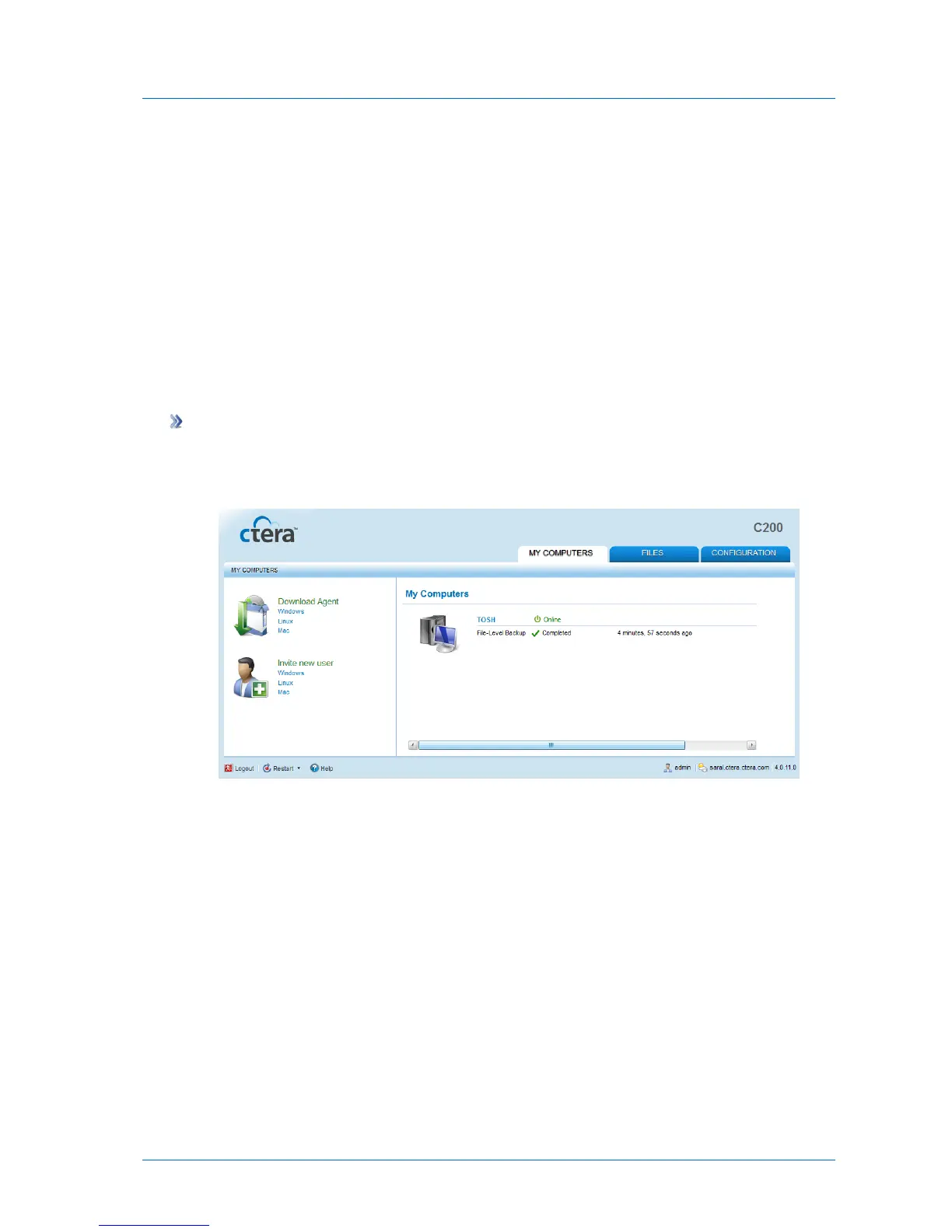
1 Click the My Computers tab.
The My Computers page appears.
2 Under Download Agent, click Windows.
The CTERA Agent installer is downloaded to your computer.
3 Double-click on the installer file.



 To Next Page