The path allows the invitee to view files or collaborate on a project transparently, using
the standard Windows Explorer interface, by means of the Windows File Sharing (CIFS)
protocol. This method is designed for collaborating with users in your local network, and
not over the Internet.
Upon clicking the URL or path, invitation recipients are granted read-only or read-write access
to the shared files/folders.
If desired, you can require invitation recipients to authenticate to the appliance using their
username and password, before they can access the shared file/folders.
Enabling/Disabling Guest Invitations
To enable guest invitations
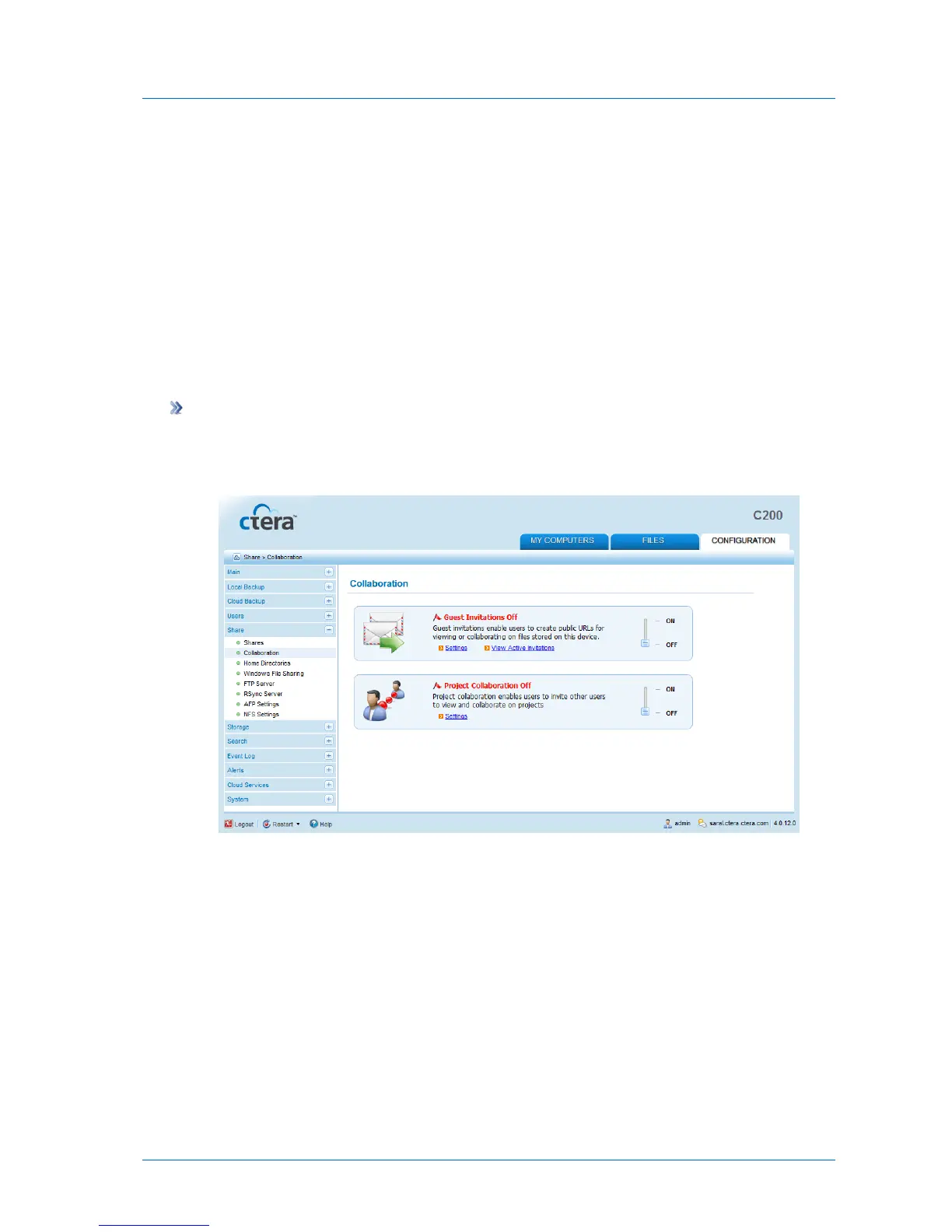
1 In the Configuration tab's navigation pane, click Share > Collaboration.
The Share > Collaboration page appears.
2 Slide the Guest Invitations lever to the ON position.



 To Next Page