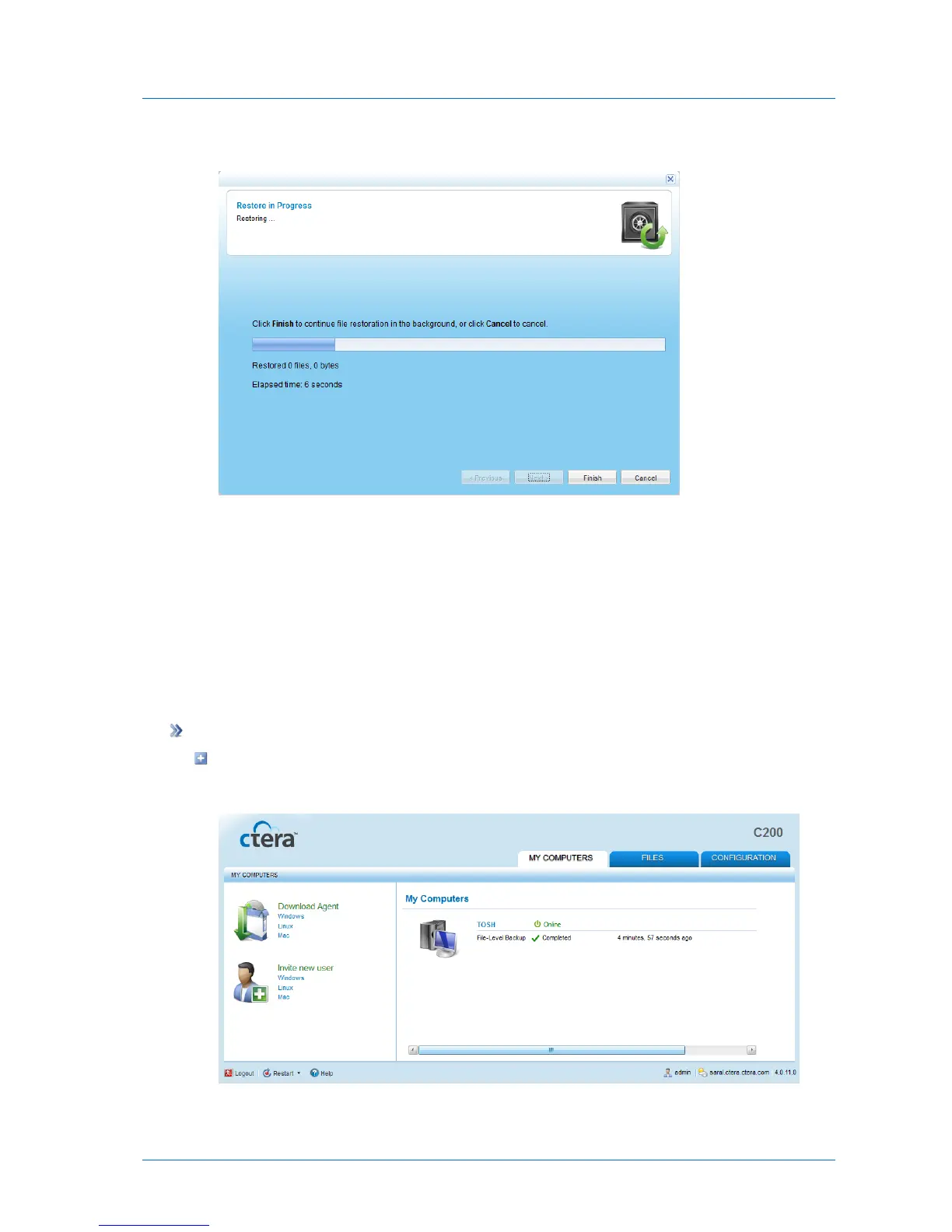
The Restore In Progress screen appears with a progress bar.
The selected files and folders are restored.
6 Click Finish.
Viewing the Agent Status
The CTERA Agent status can be viewed in the My Computers tab, as described in the
following procedure, or when monitoring agents, as described in Monitoring Agents (on page
247).
To view the CTERA Agent's status in the My Computers tab
Click the My Computers tab.
Each agent's status is displayed next to it.



 To Next Page