2 Slide the lever to the Off position.
File search is disabled.
Scheduling File Index Updates
When file search is enabled, the appliance will automatically update the file search index
according to a configured schedule. If desired, you can modify the schedule.
To schedule automatic index updates
1 In the Configuration tab's navigation pane, click Search > File Search.
The File Search page appears.
2 Click Settings.
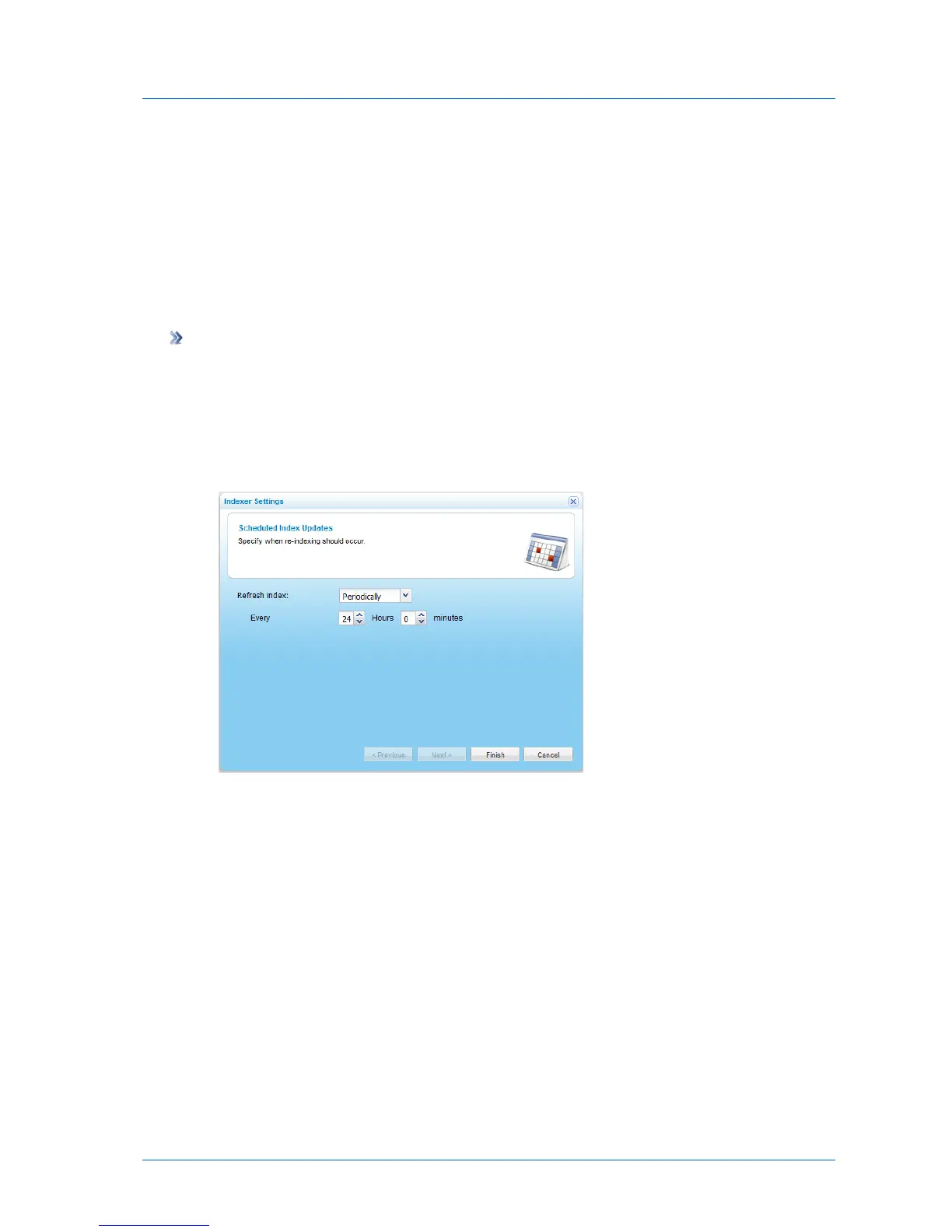
The Indexer Settings dialog box appears, displaying the Scheduled Index Updates page.
3 Complete the fields using the information in the following table.
4 Click Finish.



 To Next Page