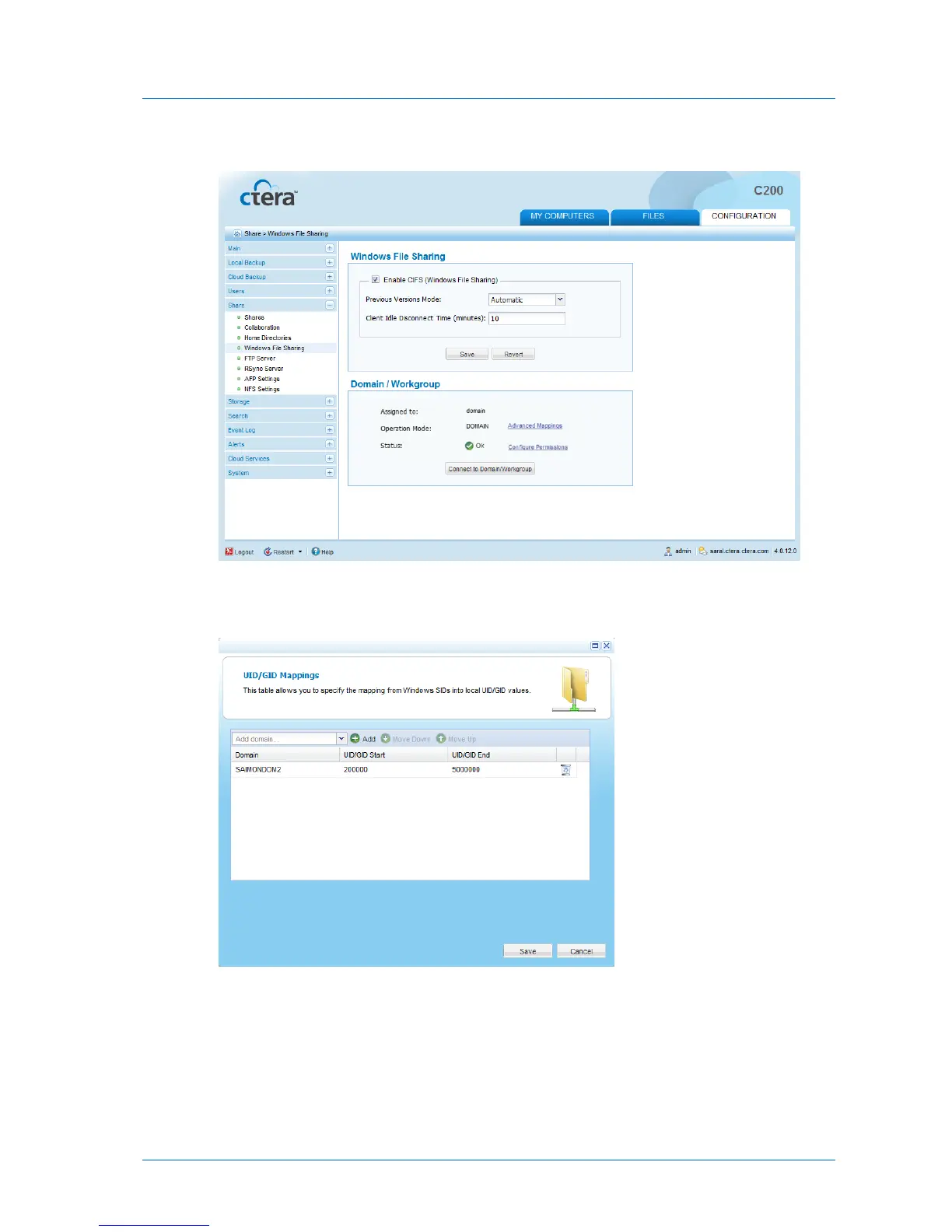
New links appear in the Domain / Workgroup area.
2 Click Advanced Mappings.
The UID/GID Mapping dialog box opens.
3 Add the other domains in the tree/forest, by doing the following for each one:
a In the Add domain field, either type the desired domain's name, or select it from the
drop-down list.
b Click Add.
The domain appears in the table.



 To Next Page