CTERA C-Series User Guide 187
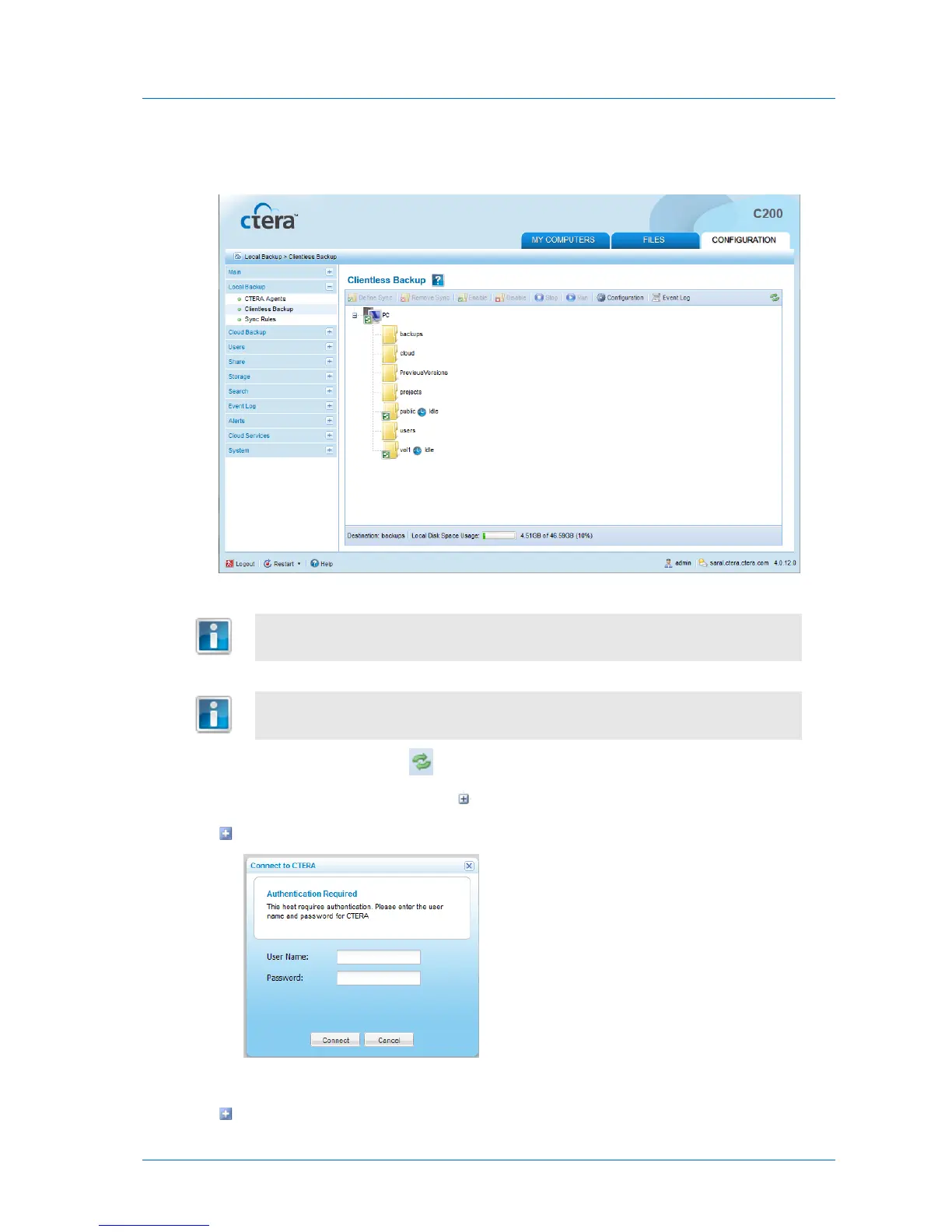
The Local Backup > Clientless Backup page appears, displaying all computers in the
network neighborhood.
Computers for which Clientless Backup is defined, but which are currently
unavailable, appear in gray.
If your computer is missing in the list or appears in gray, see Enabling File Sharing
on a PC (on page 194).
2 To rescan the network, click .
3 Next to the desired computer, click to expand the node.
If the share requires authentication, a pop-up window will open.
Enter the user name and password.
The network shares on the computer are displayed.



 To Next Page