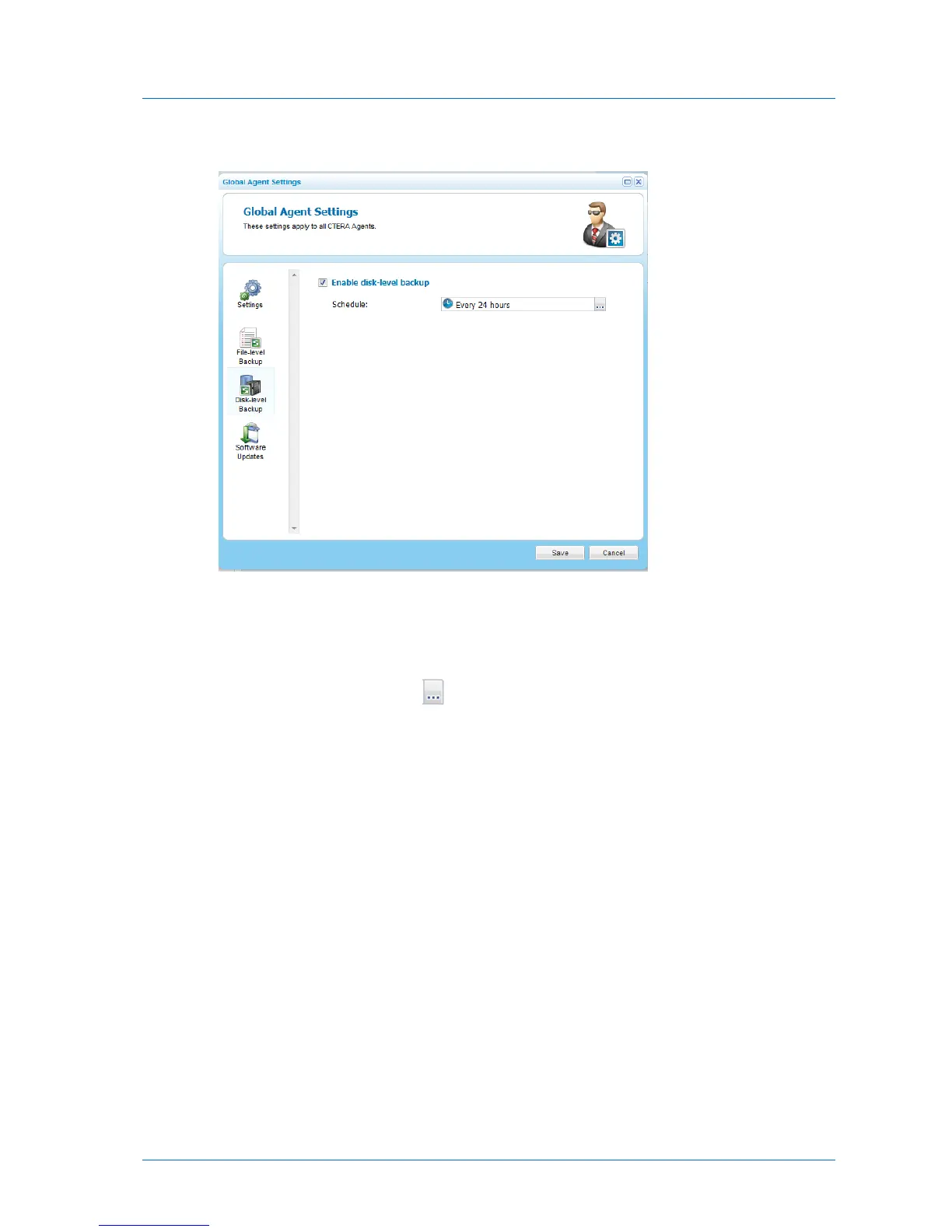
The Disk-level Backup tab appears.
4 Select the Enable disk-level backup check box.
The Schedule field is enabled.
5 To schedule disk-level backup, do the following:
a In the Schedule field, click .
The Schedule dialog box appears.
b Complete the fields using the information in Schedule Fields (page 227).
c Click OK.
The default disk-level backup value is Every 24 hours.
6 Click Save.



 To Next Page