254 CTERA C-Series User Guide
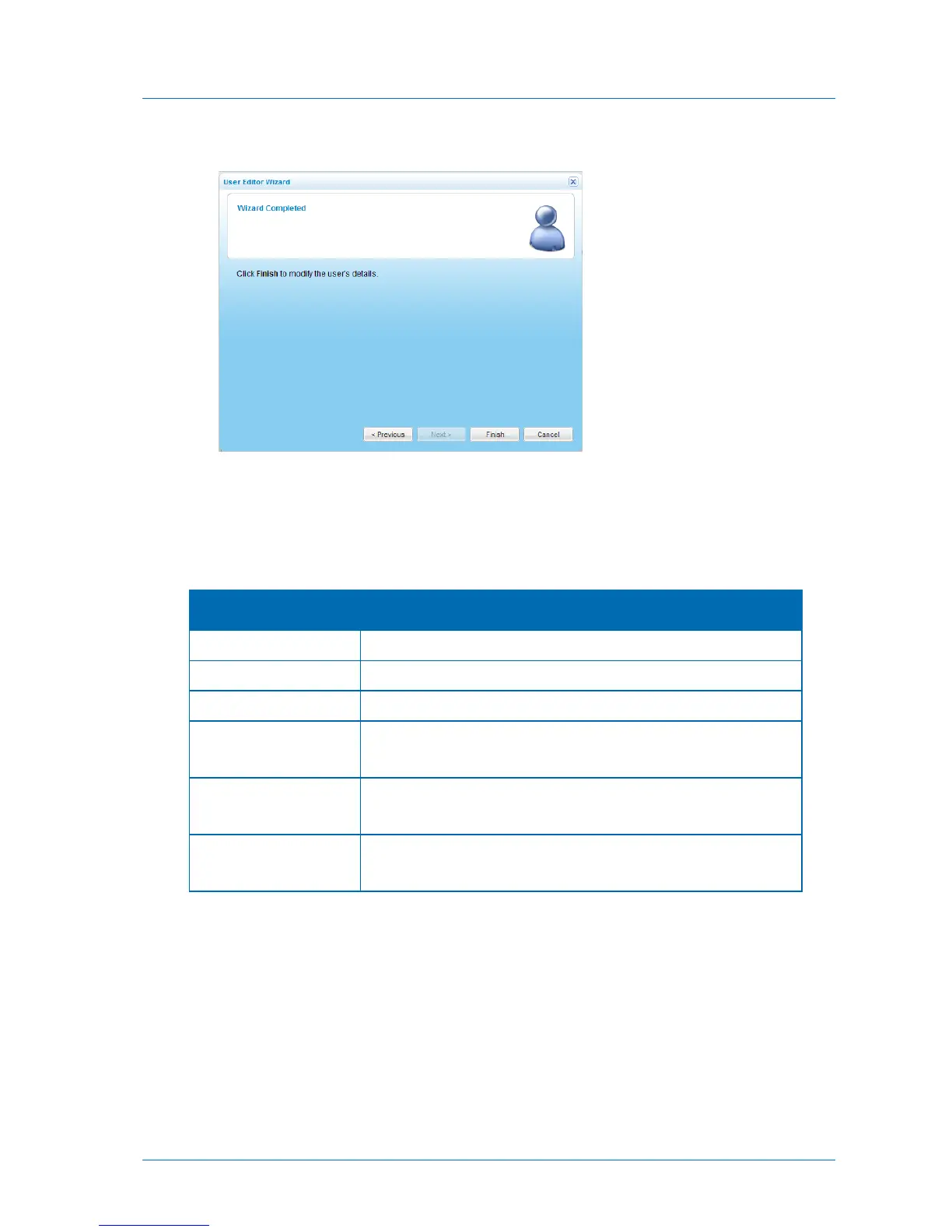
The Wizard Completed screen appears.
7 Click Finish.
8 To add the user to a user group, add or edit the desired group as described in Adding and
Editing User Groups (on page 258), selecting the user as a member of the group.
Table 50: User Editor Wizard Fields
Type a user name for the user.
Type a password for the user.
Retype the same password you entered in the Password field.
Type the users' full name.
This field is optional.
Type the user's email address.
This field is optional.
Type a numeric user ID (UID) to assign the user.
This field is optional.



 To Next Page