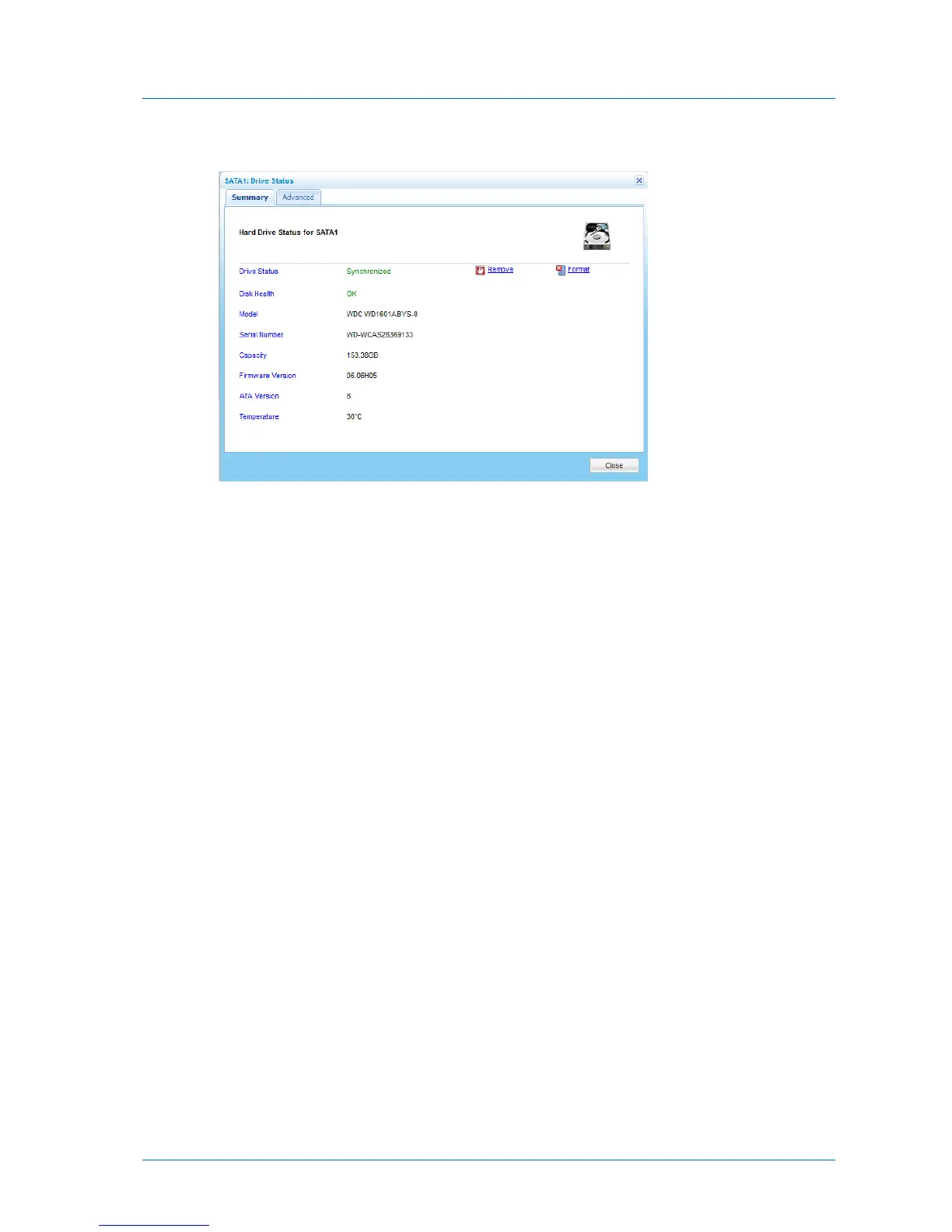
The Drive Status window appears, displaying the Summary tab.
For information on the fields displayed, refer to the information in Drive Status Fields
(page 294).
3 To format the drive, do the following:
a Click Format.
A confirmation message appears.
b Click Yes.
The disk is formatted.
4 To prepare the disk for safe removal, do the following:
a Click Safely Remove.
A confirmation message appears.
b Click Yes.
The disk is unmounted and can be safely removed.
5 To view advanced information, click the Advanced tab.



 To Next Page