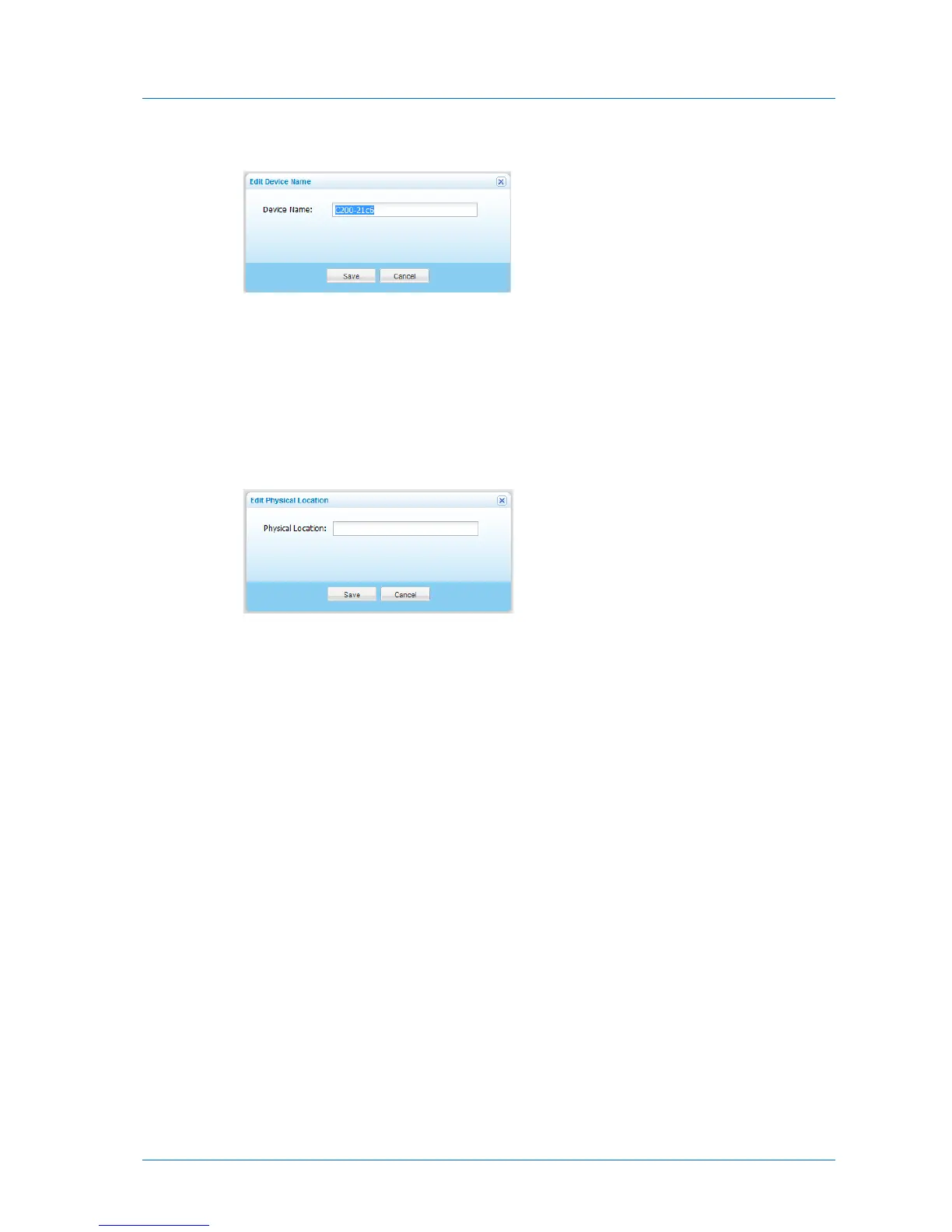
The Edit Device Name dialog box appears.
b In the Device Name field, type the name that should represent the appliance in your
network neighborhood.
c Click Save.
3 To configure the appliance's physical location, do the following:
a Next to the Physical Location field, click Edit.
The Edit Physical Location dialog box appears.
b In the Physical Location field, type the appliance's location.
For example: “Delaware Branch Office”.
c Click Save.



 To Next Page