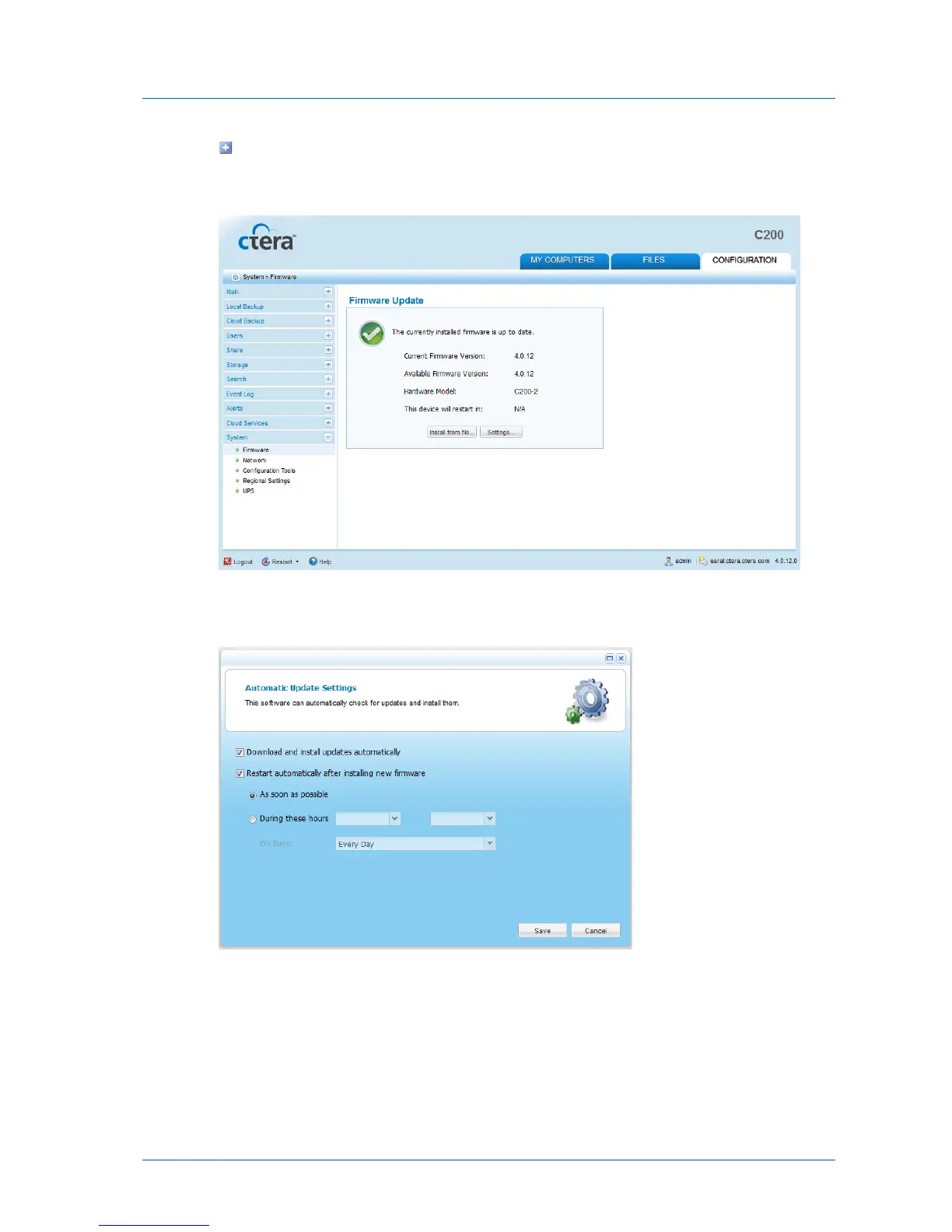
The amount of time remaining until the appliance restarts. This information is
displayed if a firmware has been downloaded, and the appliance is configured to
reboot automatically.
2 Click Settings.
The Automatic Update Settings dialog box opens.
3 To specify that the appliance should download and install firmware updates
automatically, click Download and install updates automatically.
If you do not select this option, you must perform firmware updates manually, as
described in Manually Updating the Firmware (on page 327).
4 To specify that the appliance should automatically reboot after installing new firmware
updates, do the following:



 To Next Page