2 Click Next.
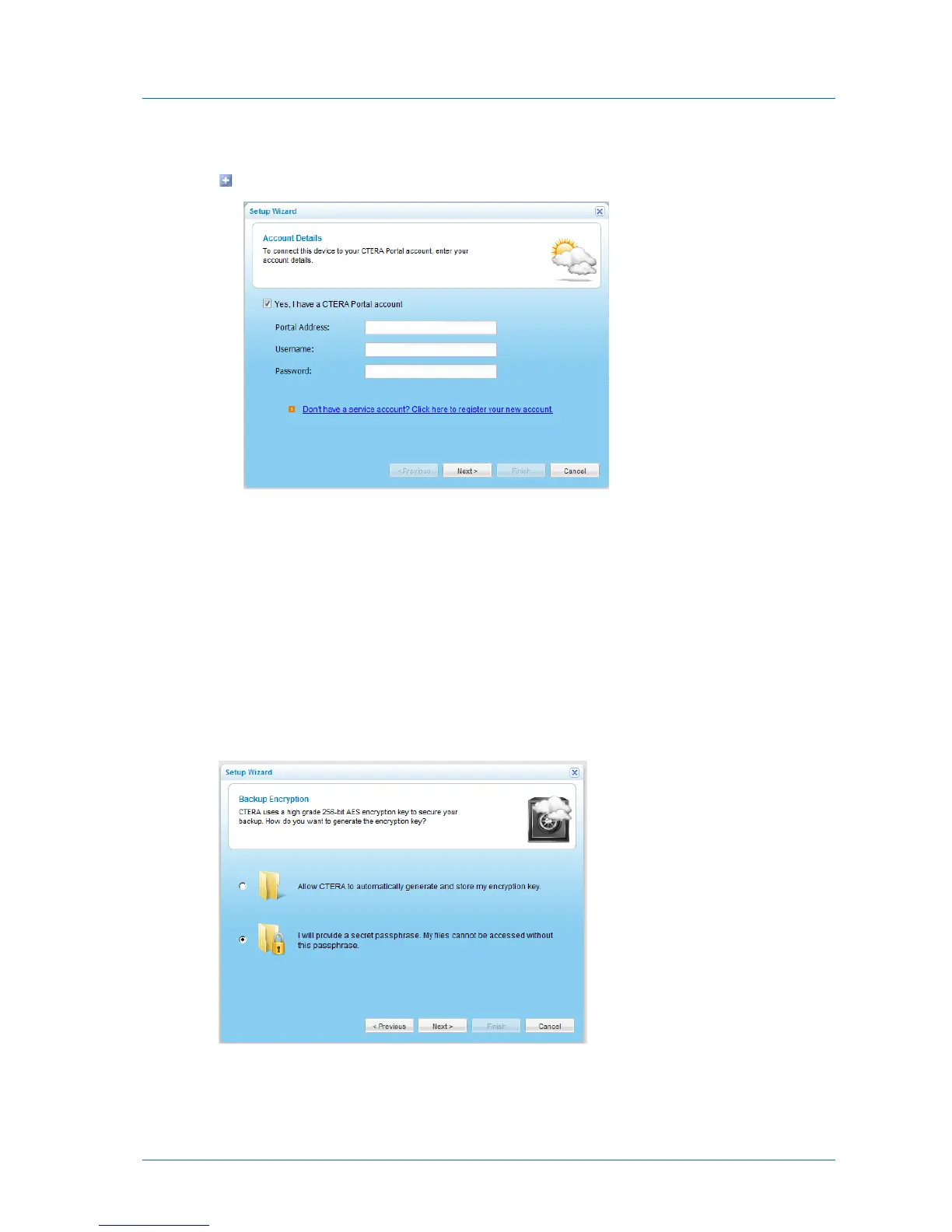
The Account Details dialog box appears.
5 If you have a CTERA Portal account, do the following:
a Select the Yes, I have a CTERA Portal account check box.
b In the Portal Address field, type the hostname of the CTERA Portal.
c In the Username field, type the user name for your CTERA Portal account.
d In the Password field, type the password for your CTERA Portal account.
6 Click Next.
Your appliance is added to your CTERA Portal account.
The Backup Encryption dialog box appears.
7 Do one of the following:



 To Next Page