The Cloud Services > Cloud Drive page appears.
2 Click Settings.
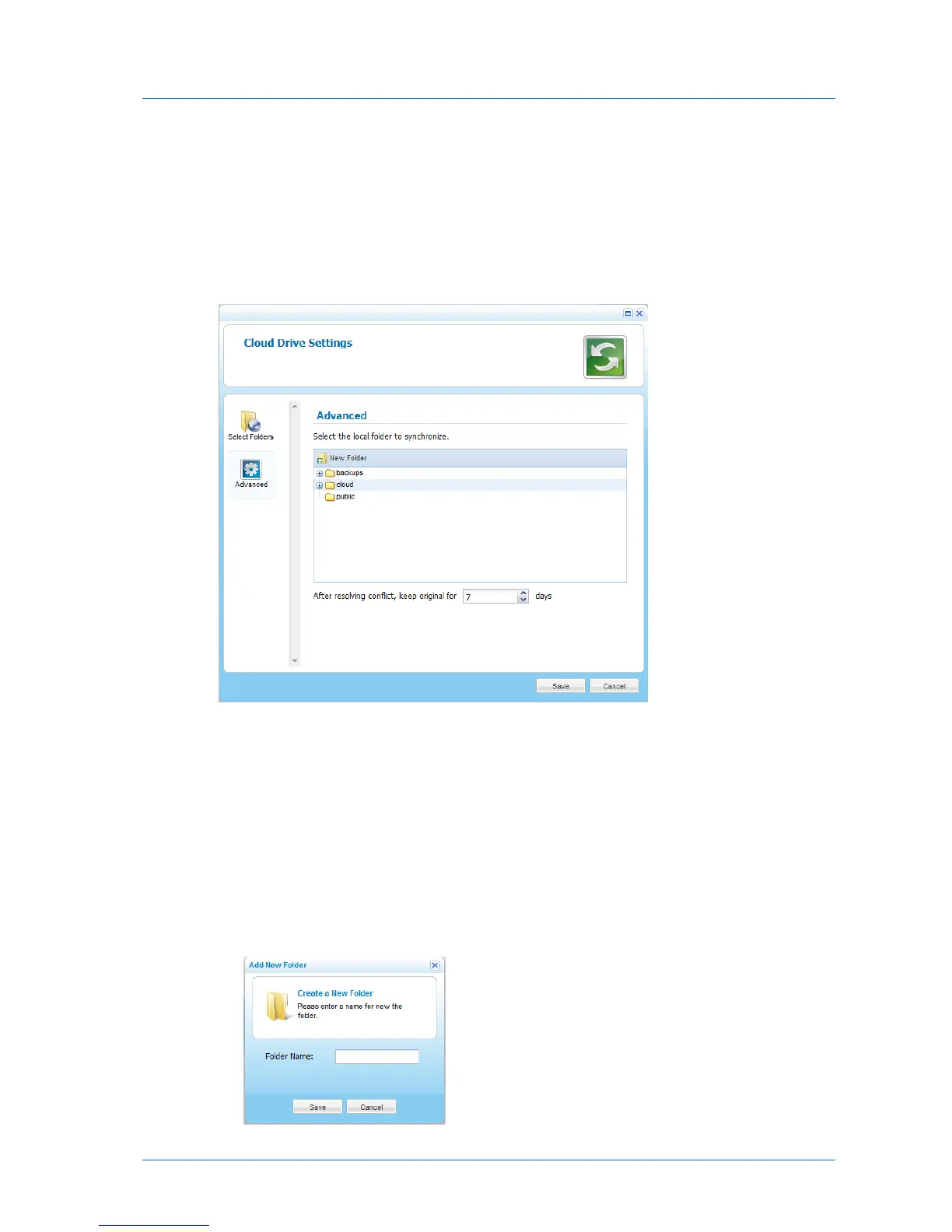
The Cloud Drive Settings window opens displaying the Select Folders tab.
3 Click the Advanced tab.
The Advanced tab appears.
4 Expand the tree nodes and select the local folder under which folders should be created
for each portal cloud folder you chose for synchronization.
For information on choosing portal cloud folders for synchronization, see Selecting Cloud
Folders for Synchronization (on page 60).
5 (Optional) To create a new folder, do the following:
a In the tree, select the parent folder in which you want to create the new folder.
b Click New Folder.
The Create a New Folder dialog box opens.



 To Next Page