6 If you chose RAID0, RAID5, or RAID6, in the RAID Stripe Size field, select the desired stripe
size in kilobytes.
The stripe size is the amount of data written to each drive in turn. Reading and writing
large data files sequentially generally benefits from a large stripe size. Small random
reads and writes generally benefit from a smaller stripe size.
The default value is 64 K.
7 Click Next.
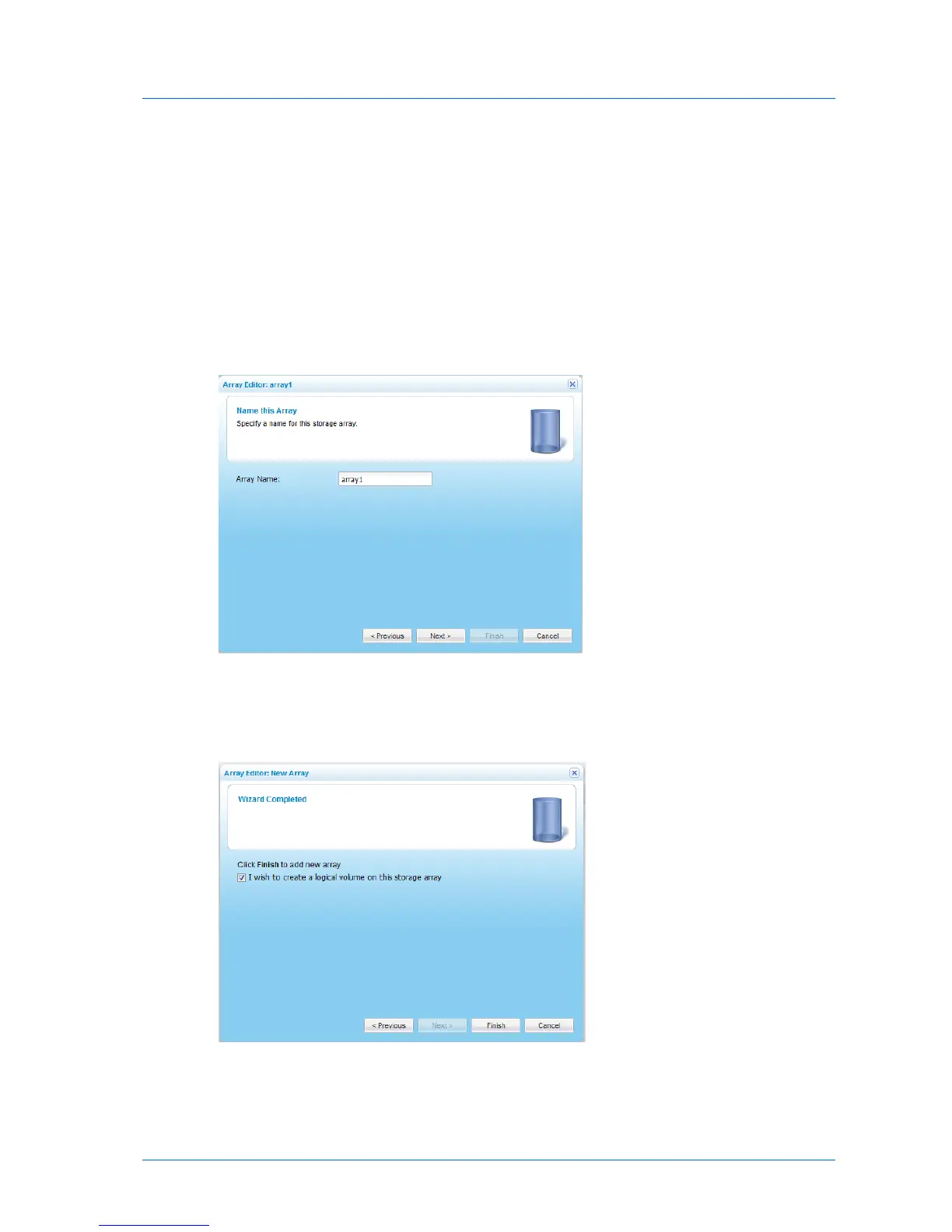
The Name this Array dialog box appears.
8 In the Array Name field, type a name for the array.
9 Click Next.
The Wizard Completed screen appears.
10 To immediately create a volume on the array, select the I wish to create a logical volume
on this storage array check box.



 To Next Page