CTERA C-Series User Guide 75
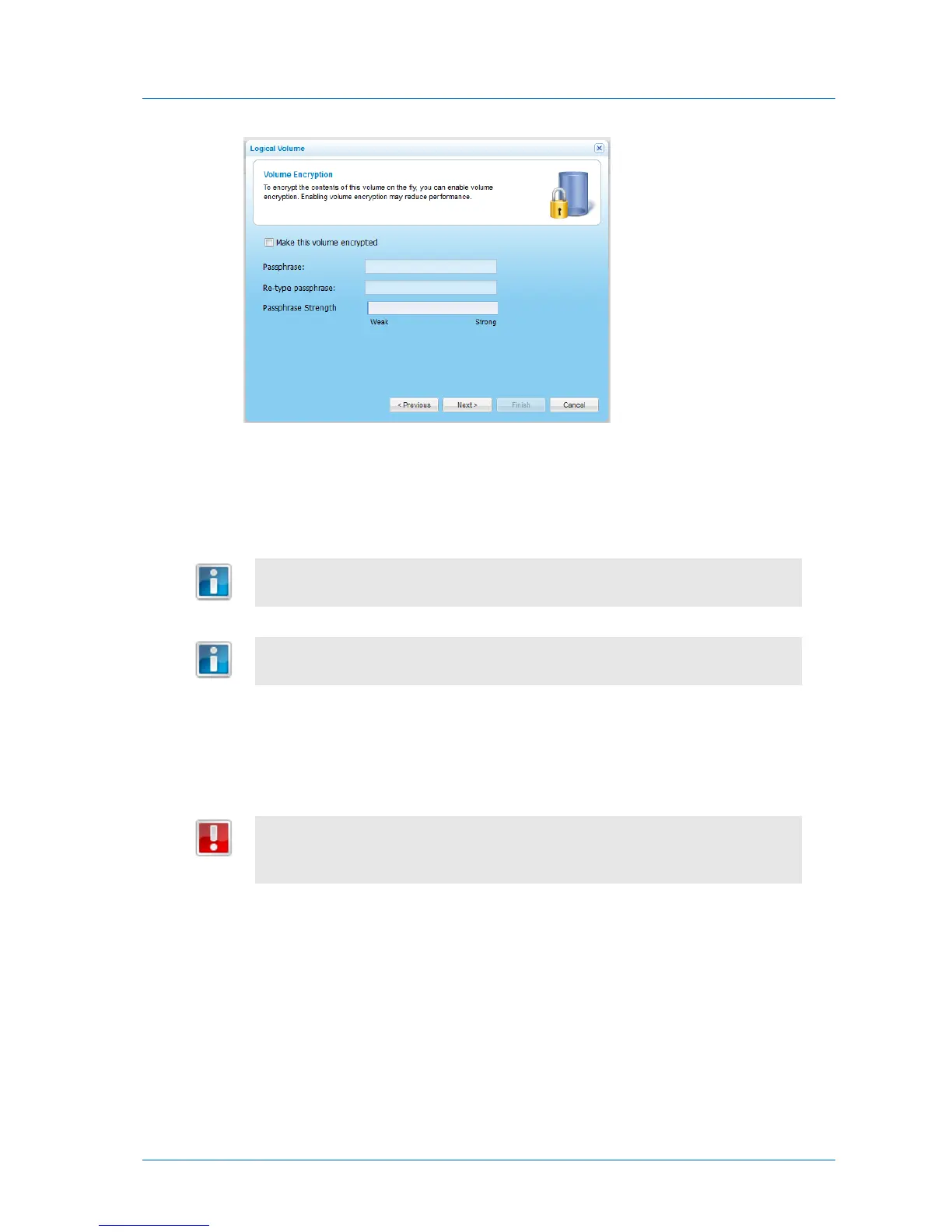
1 To encrypt the contents of this volume, select the Make this volume encrypted
check box.
This check box is disabled when editing a volume.
Volume encryption is supported both for standalone volumes and volumes
residing in RAID arrays.
The encryption method employed is the Advanced Encryption Standard (AES-256
CBC ESSIV). Enabling volume encryption may reduce performance.
2 In the Passphrase and Re-type passphrase fields, type the passphrase you want to
use for accessing the volume.
The Passphrase Strength field displays the passphrase's strength.
It is important to keep this passphrase in a safe place, as there is no way of
retrieving it if you lose it. If you reset your appliance to its default settings, you
cannot access the volume without this passphrase.



 To Next Page