V0913, 6.10
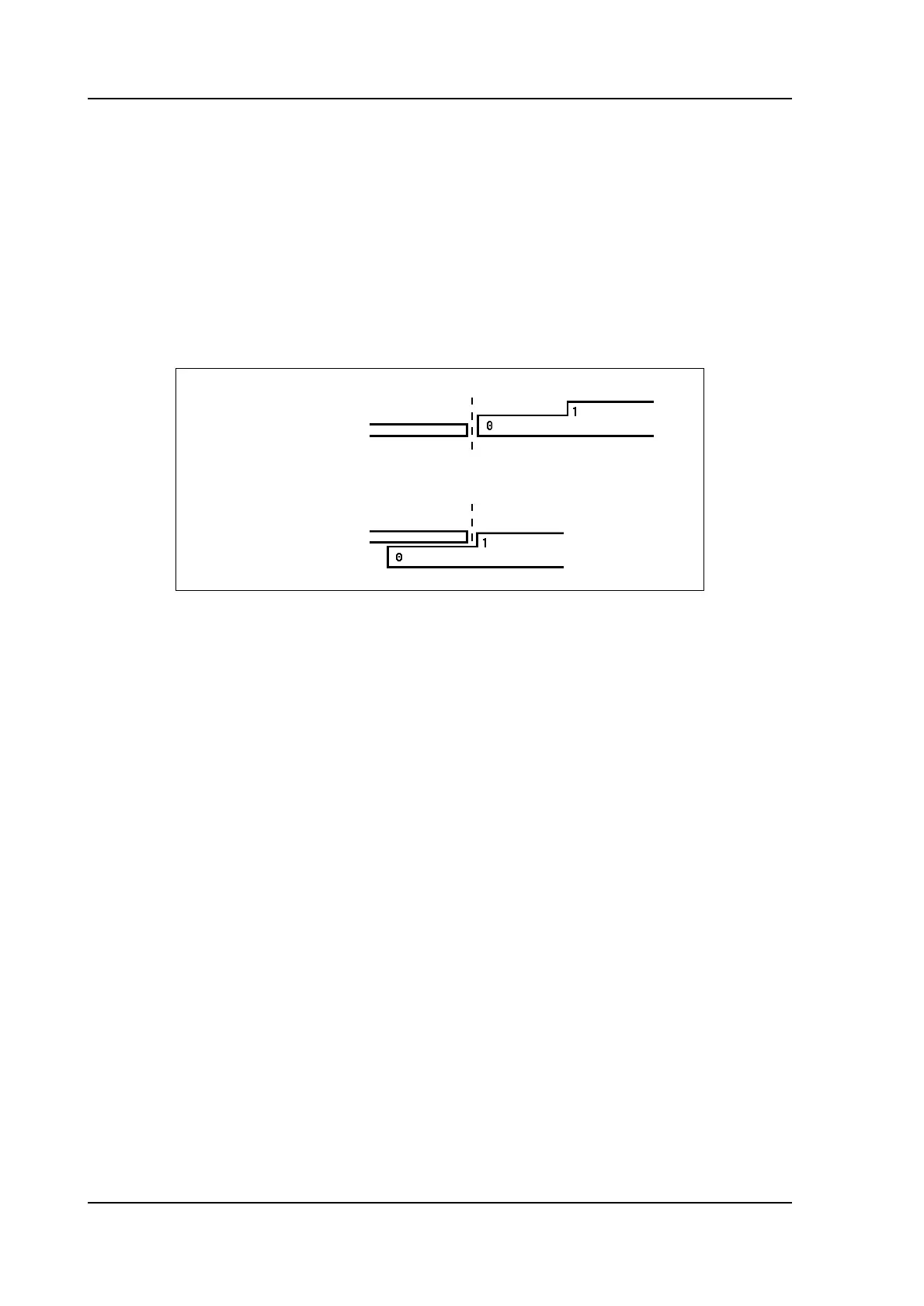
• Lay-on = 2: lay on second level
• Lay-on = 3: lay on third level
Used
When setting this parameter to off, the finger is parked. When a finger is parked, the
finger is positioned at its minimum or maximum Z-position, depending on the finger
being the leftmost or rightmost active finger.
Only available when more than 2 fingers are present.
When you program another Lay-on the axis positions change, but the gauge position for the
sheet does not change. This means that the previous two parameters R and X remain the
same. See also example below.
With Accept you leave the window and the new values have been saved. If you press Cancel
you leave the window without changes.
When you have changed Lay-on then the axes positions in X- and R-direction have been
changed. The new values depend on the dimensions of the back gauge finger which you have
programmed in the Machine mode. When you have changed the values of R and X, then
these changes are also included.
Lay-on = 0
Lay-on = 1



 To Next Page