V0913, 1.12
1.6.2. Listbox functionality
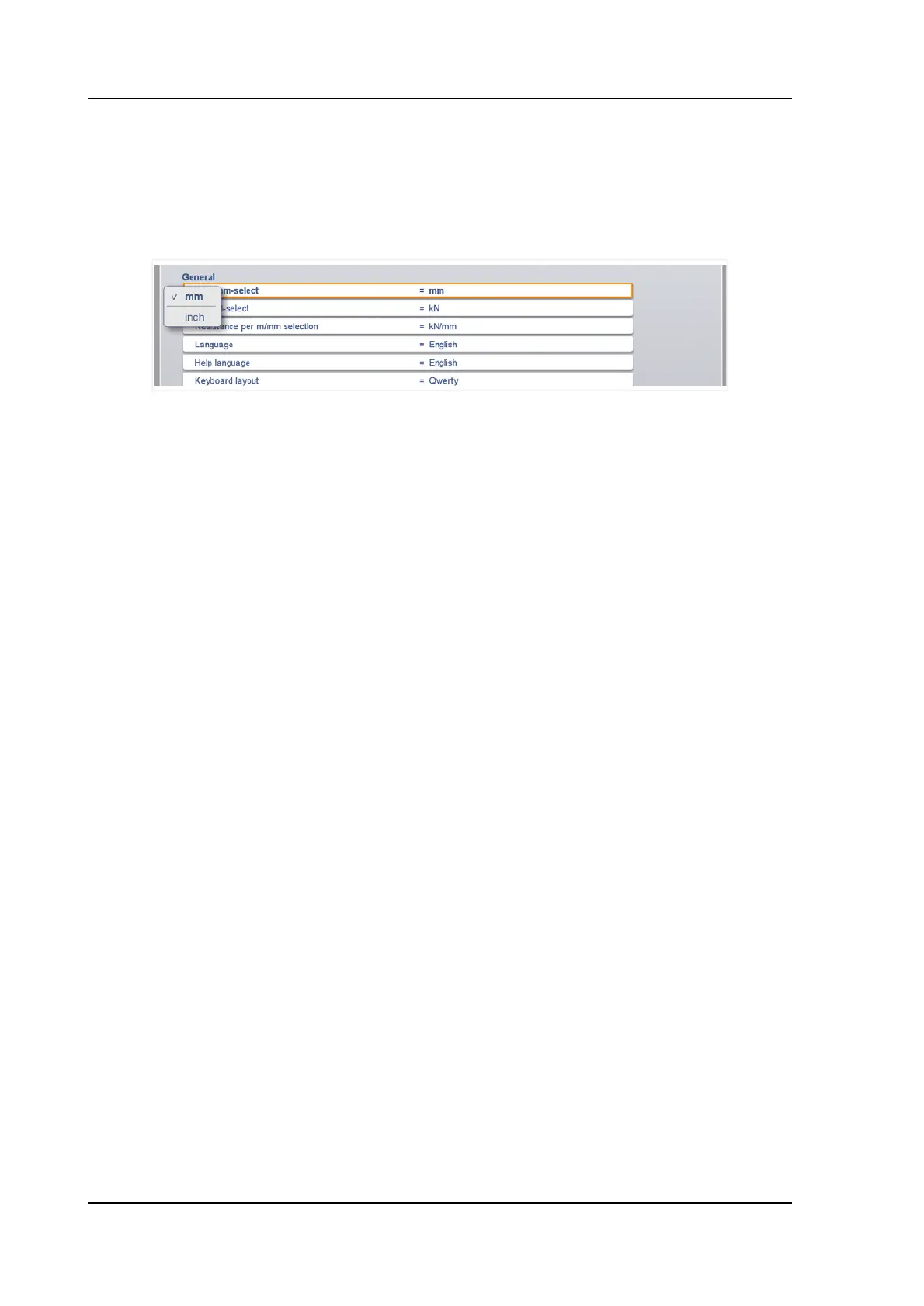
Several parameters on the control have a limited number of possible values. When selecting
such a parameter, by tapping the parameter line on the screen, the list of options will open up
near the position where you tapped the line, and the desired value can be selected.
To undo the selection and the opened listbox, tapping outside the box will make it close
without changing the selected parameter.
1.6.3. Filter, live search
In some modes a list of entities is offered (products, tools, materials, etc.). An example of such
a menu is the Products mode (product selection). To search a particular product or tool, the
filter function can be used. Press the command button Filter, type a part of the ID in the enter
field. Automatically, the list is limited to those items that contain the typed part.
Multiple search parts can be separated by <space>.
To close an open filter screen use the keyboard-close button on the right side next to the
keyboard.
Example of a product list: type: shown list:
product123
product456
exampleproduct01
exampleproduct02
1 product123
exampleproduct01
ex exampleproduct01
exampleproduct02
ex 1 exampleproduct01



 To Next Page