V0913, 1.14
1.6.5. Typing alphanumeric characters vs. special characters
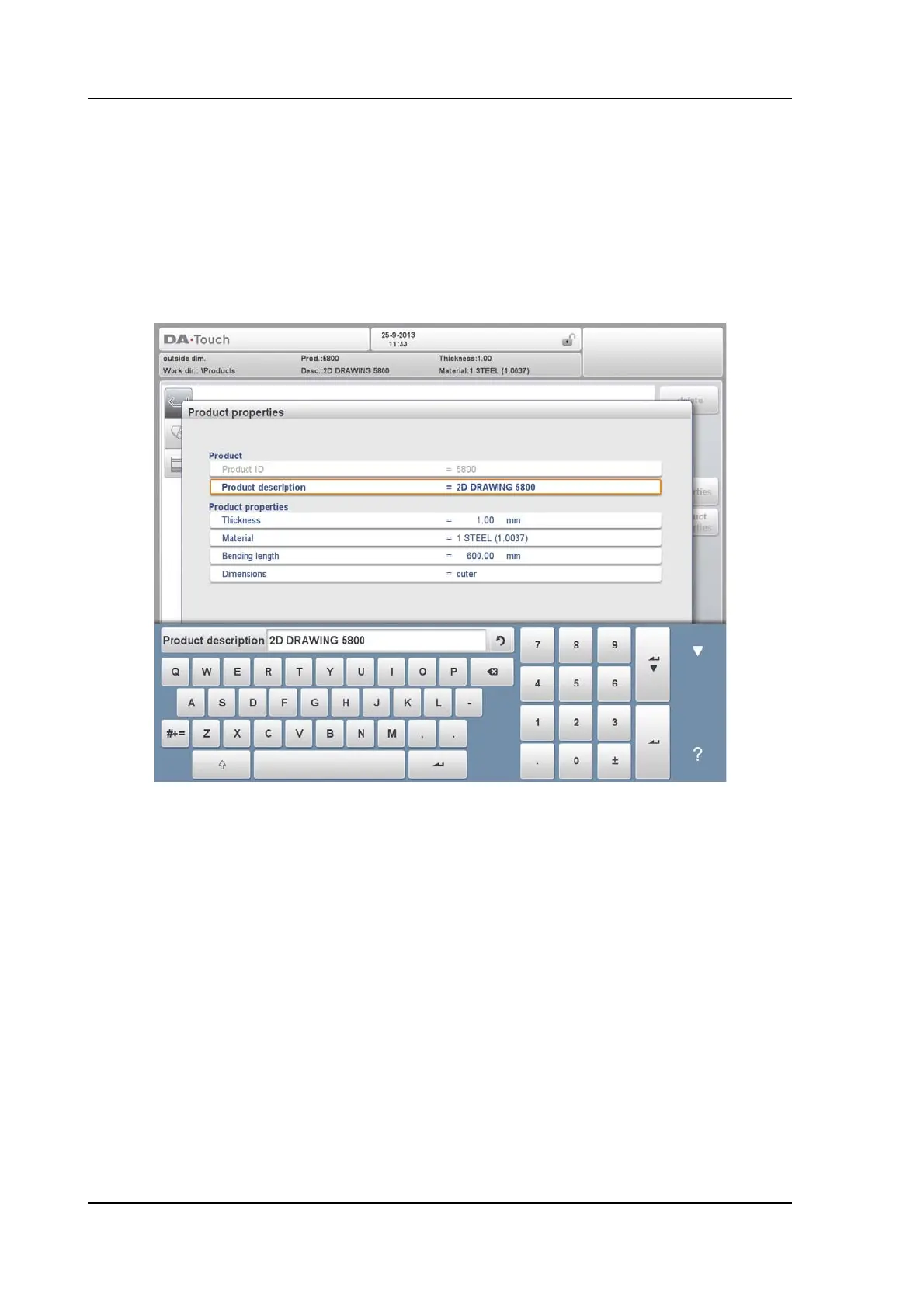
Both alphanumeric characters and special characters can be used throughout the control. A
full on-screen alphanumerical keyboard will pop up when required.
When editing a field which is pure numeric, the alphanumeric characters will be "greyed-out"
and only the numerical keypad can be used. For fields which enable to use alphanumerical
strings, the keyboard is completely available. Special characters as ? % - can be found using
the special character button on the left-lower side of the keyboard.



 To Next Page