V0913, 4.4
• Product radius; the selected tool must result in a product radius close to the preferred
radius. The resulting radius must be in the range of the preferred radius +/- 50%.
• The necessary bending force should not exceed the resistance of the tools.
• The angle of the tools should be equal to or smaller than the required product angle.
• The bend method should match. For example, hemming tools are selected when the
product contains hem bends.
The full list can be displayed by tapping Show All.
Positioning or repositioning
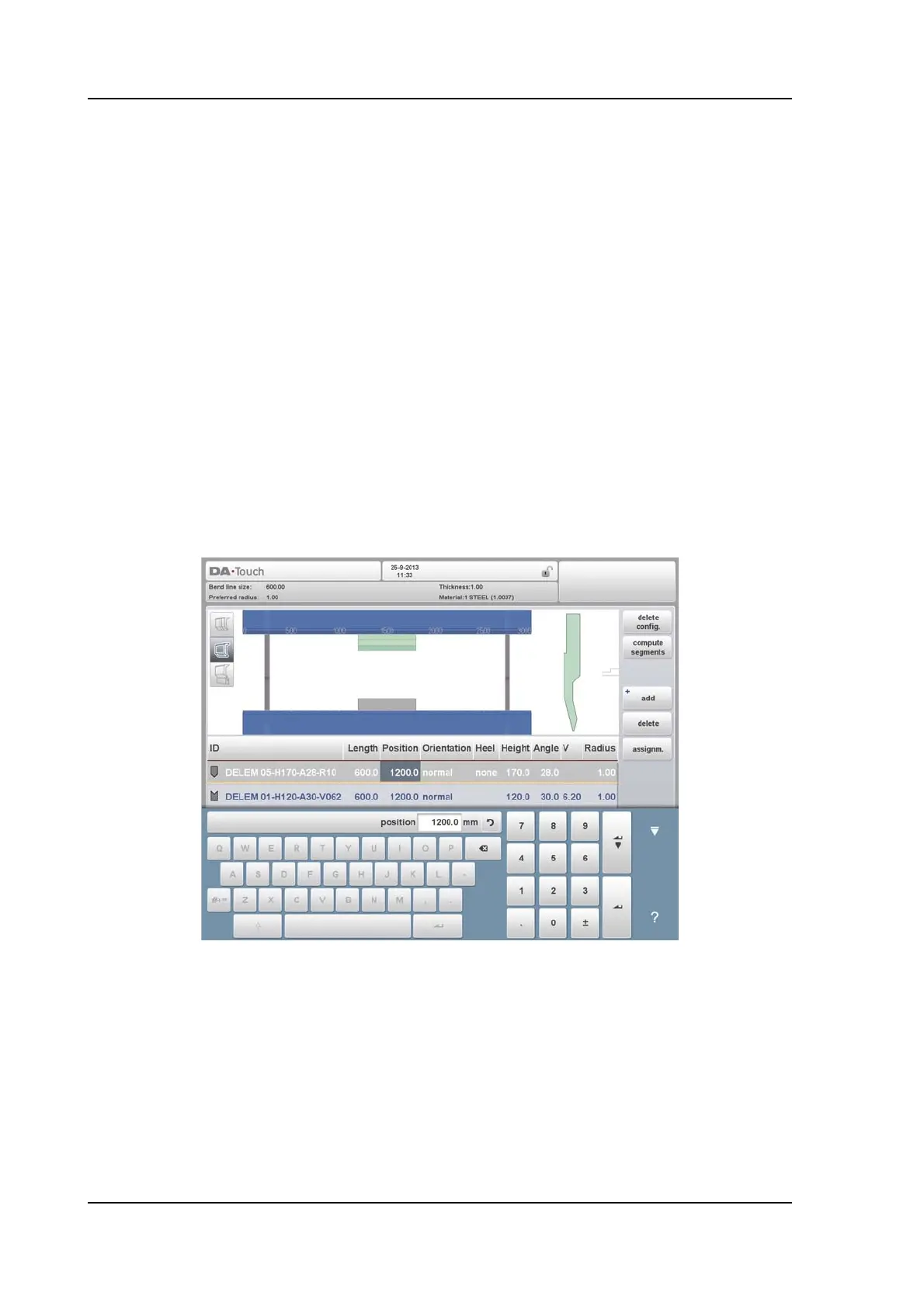
To change length and position of a tool, move the cursor to the appropriate field, type a new
value and press ENTER. When the length and position are changed, the tool is ready.
Tools can be selected by tapping them, their position can also be changed by dragging them
to the desired position.
The repositioning of tools by dragging is enhanced with a feature to enable accurate
positioning. When, during dragging, the finger is moved downward, the positioning speed is
decreased. The further the finger is moved downward, the slower and more accurate the
positioning can be done.
When dragging tools, or tool stations, the snapping function will assist in aligning the upper
tool with the lower tool at left or right, or the tools or toolstations with the middle of the
machine. At the time tools are within the snapping zone, a red line will appear indicating that
release will help positioning towards the indicated edge or position.
After the punch is finished, a die with the default ID, with the same length and position as the
prepared punch is put below the punch.



 To Next Page