V0913, 9.8
9.4.3. Tool backup
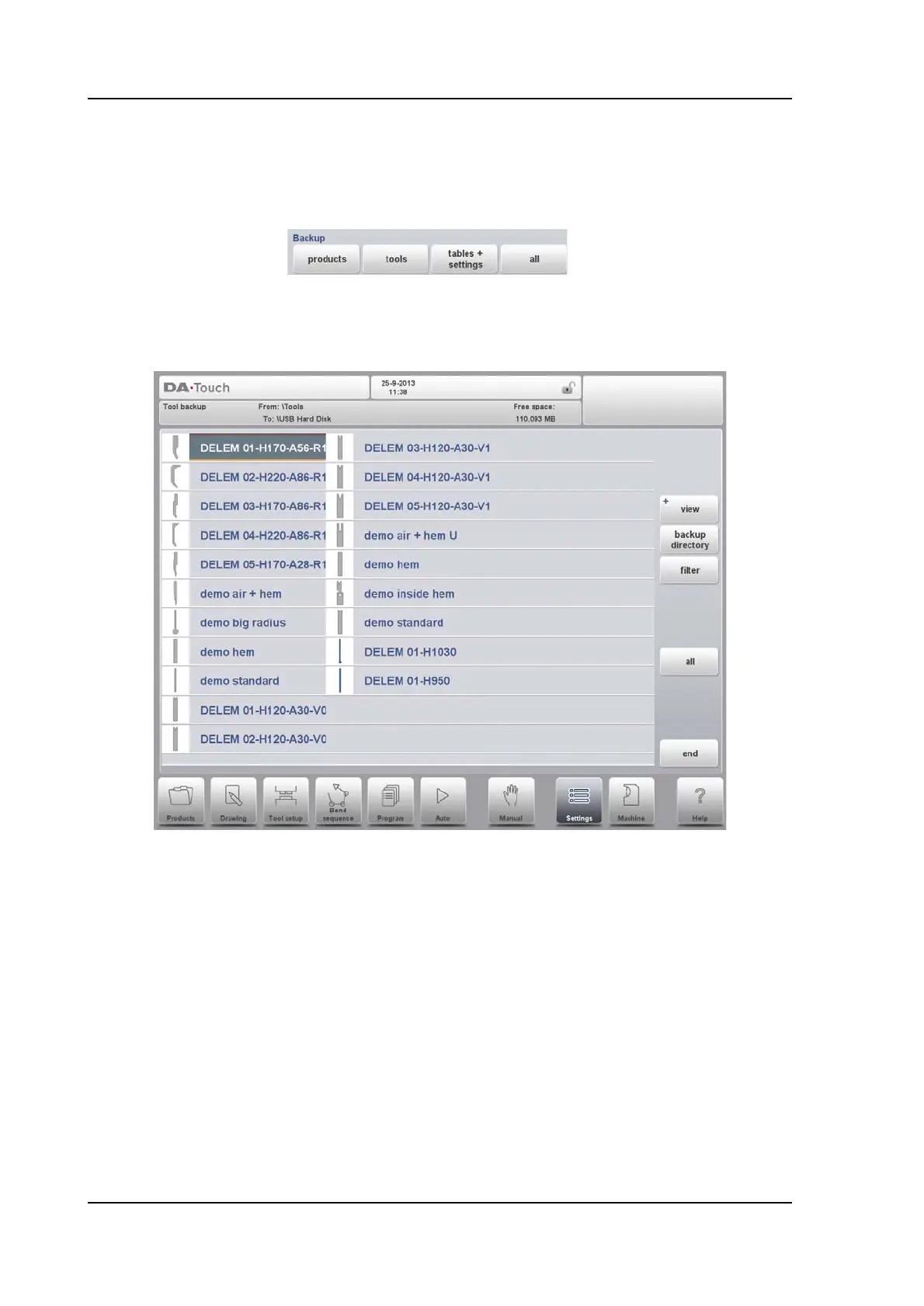
To make a backup of tools to disk, choose Backup in the main menu for Tools.
When the initial backup directory has been set, the tools backup screen appears.
With this menu a back-up of tools on the control can be made: punches, dies or machine
shapes. The procedures for a tool back-up run similar to the procedures for a product back-
up.



 To Next Page