V0913, 5.8
Accept
Save the changes and leave the current screen.
5.3.1. Move product
In the bend simulation menu, the control computes the next possible bend to unbend. The
product is placed between the tools, where there is no collision with the tools or the machine.
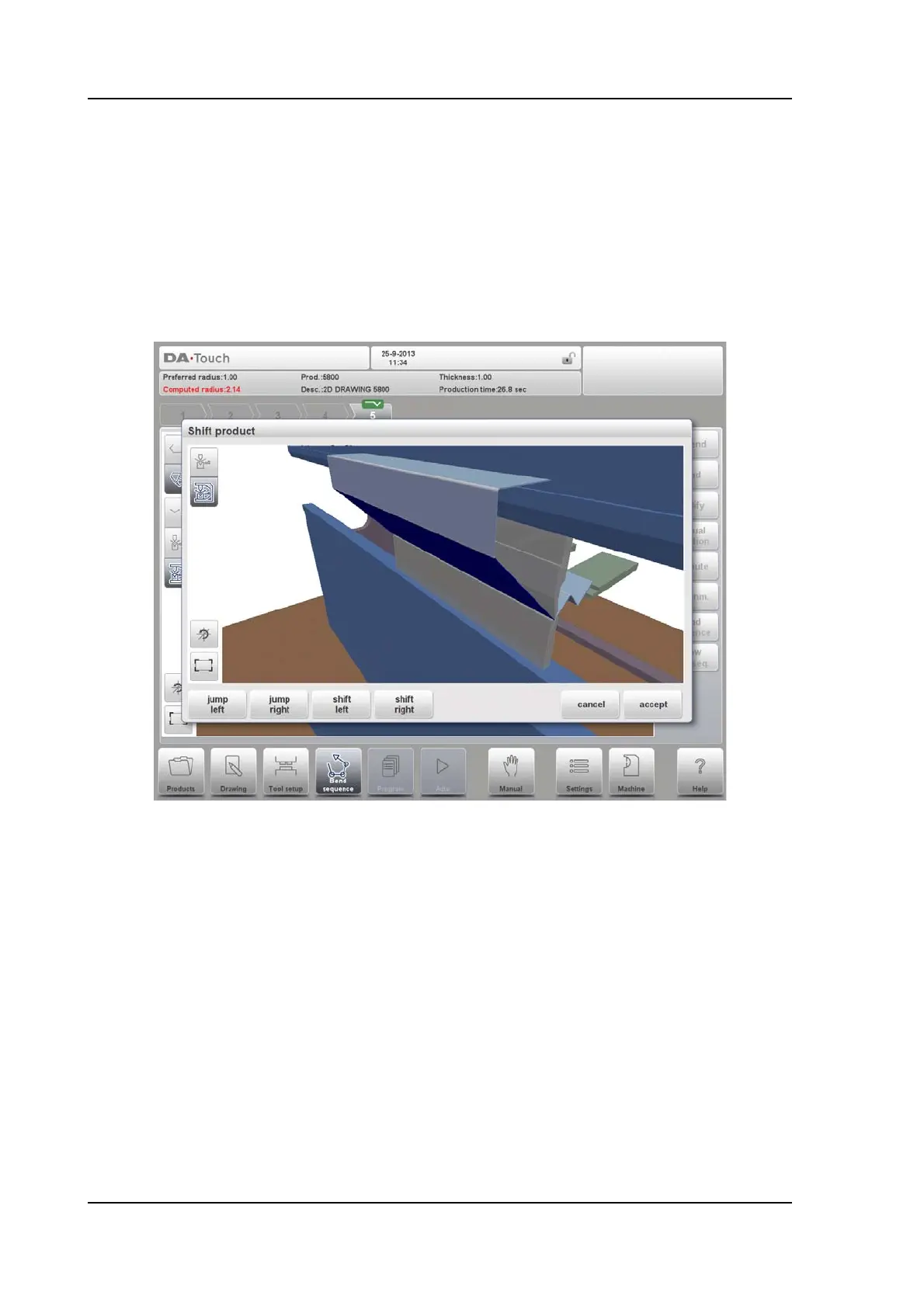
In case you want to shift the product under the tool set (which is mounted), you can move the
product by selecting the function Shift product. A new window appears.
Jump Left
Move the product to another toolset combination in the left direction.
Jump Right
Move the product to another toolset combination in the right direction.
Shift Left
Shift product to the left within the same toolset. The step size is displayed at the command line
prompt and can be changed.
Shift Right
Shift product to the right within the same toolset. The step size is displayed at the command
line prompt and can be changed.
Show
Select a possible view of the simulation:
• product/tools
•all



 To Next Page