V0913, 2.17
Line select
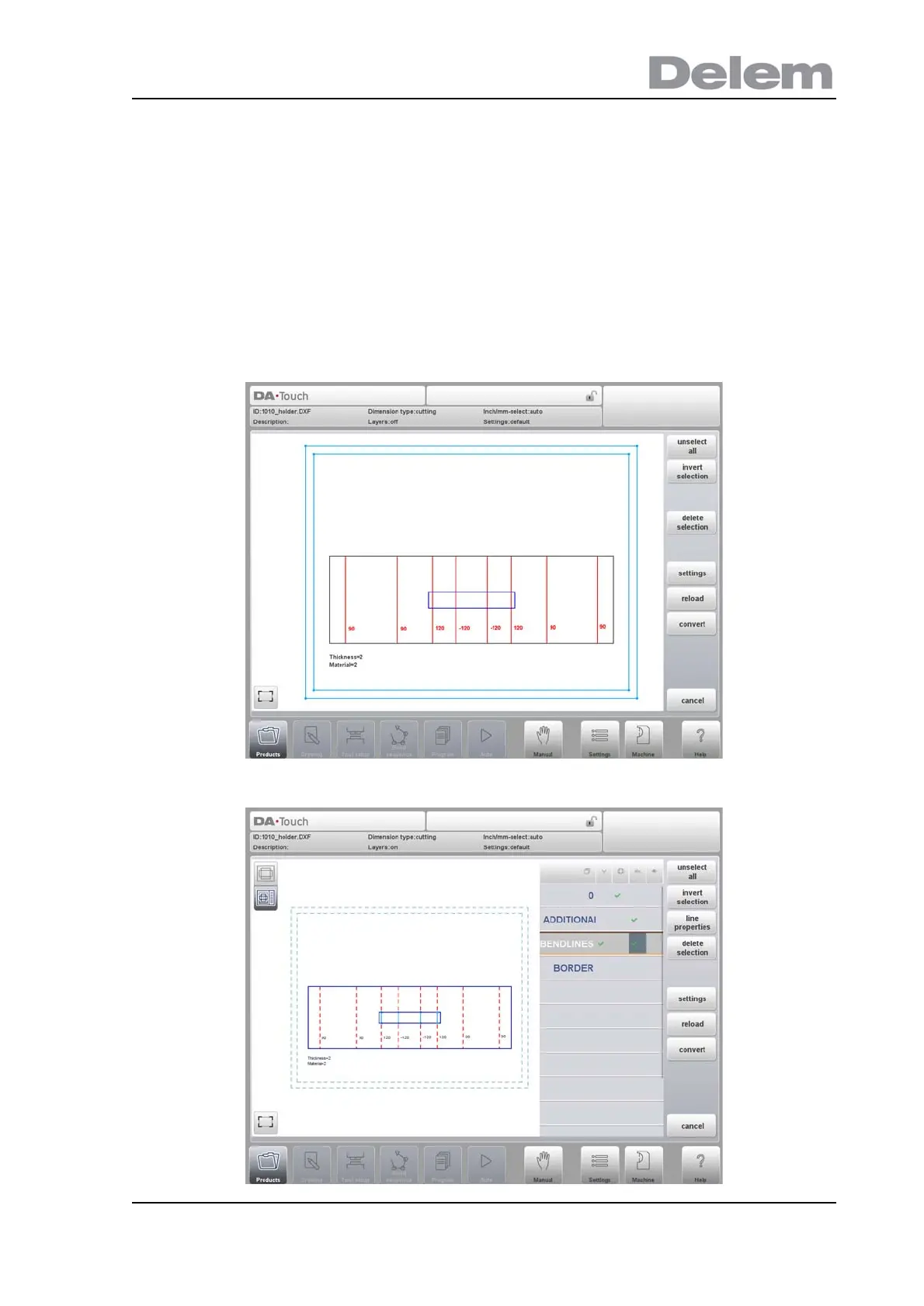
In the window of the DXF converter lines can be selected, by tapping on these lines, and
selections can be inverted. When dragging a box over multiple lines, multiple lines can be
selected at ones. Dragging from upper left to lower right will only select lines completely
covered by the selection box. Coming from lower right up will select all lines covered by the
box.
After selecting, lines can be deleted or, if layer selection is on, their joint properties can be
changed. Eg. contour lines can be assigned as contour line by selecting them all and
changing their properties to Contour. Polylines can be split into separate lines with the Split
function.
Line selection with layer selection off:
Line selection with layer selection on:



 To Next Page