V0913, 8.5
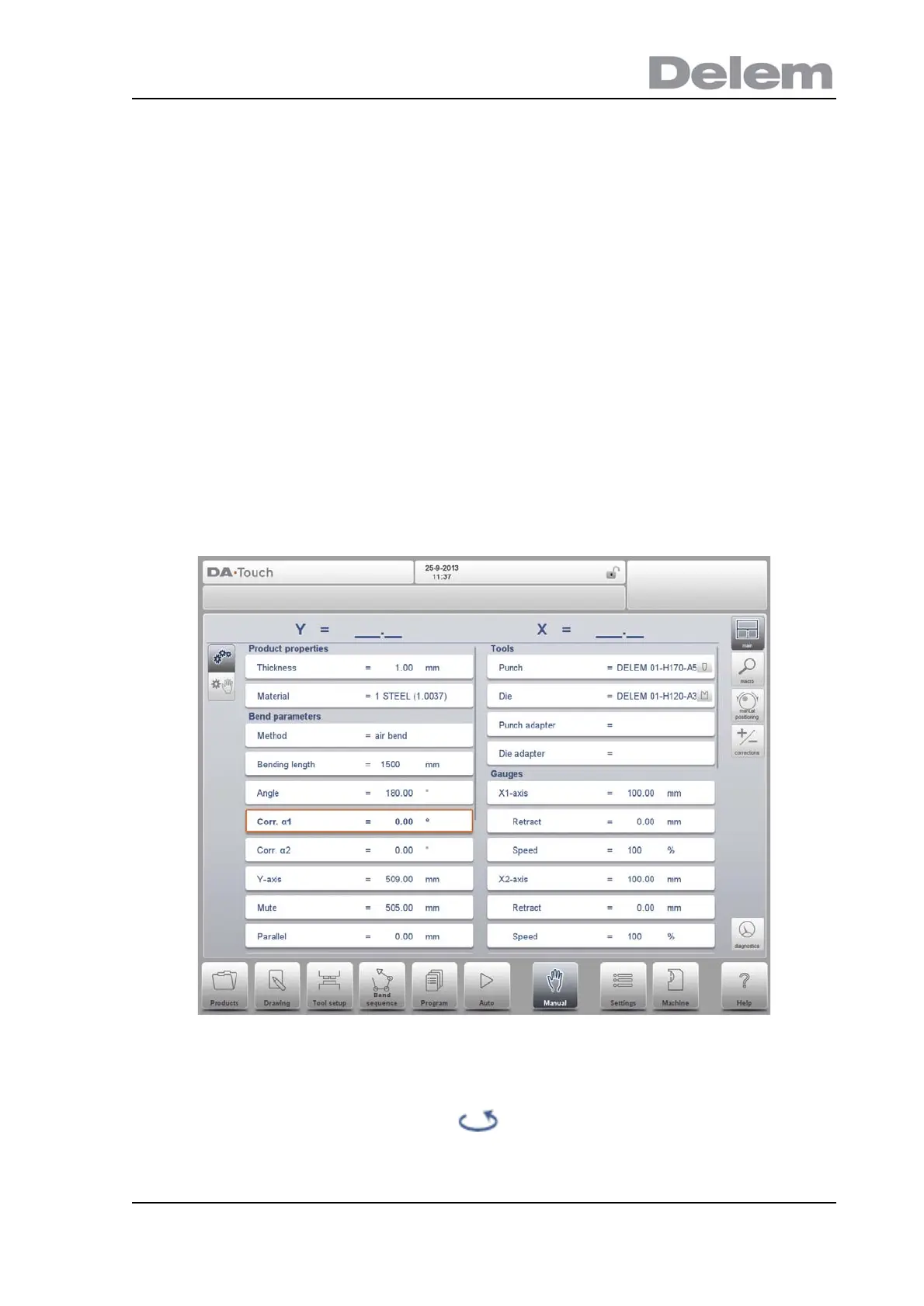
Tools
Punch
The name (ID) of the selected punch. Tap to modify or select from the punch library.
Die
The name (ID) of the selected die. Tap to modify or select from the die library.
Punch adapter
The name (ID) of the selected punch adapter. Tap to modify or select from the punch
adapter library. Whether an adapter can be programmed depends on the parameter Use
punch adapter in the Machine mode.
Die adapter
The name (ID) of the selected die adapter. Tap to modify or select from the die adapter
library. Whether an adapter can be programmed depends on the parameter Use die
adapter in the Machine mode.
The tool selection enables you to directly type the desired tool, or by tapping the list key on the
keyboard, the library will be shown and a selection can be made. When typing, the filter
function will narrow down your selection in order to rapidly find your tool.
Turn Punch can be used to turn around the applied tool (back to front). When this is done, and
active, the indicator is shown behind the punch or die.



 To Next Page