V0913, 4.7
4.5. Segmentation of individual tools
After the proces of setting up the desired tools for the products to be made, the Bend
Sequence mode can calculate the most efficient bend sequence.
Upon desire the tools can be segmented, helping in the selection of the segments creating the
correct tool length.
The tool segmentation function automatically calculates the required segmentation and uses
the assignments “maximum inter tool distance” and upon choice the “tool length tolerance” for
finding the best solution.
4.5.1. Tool view
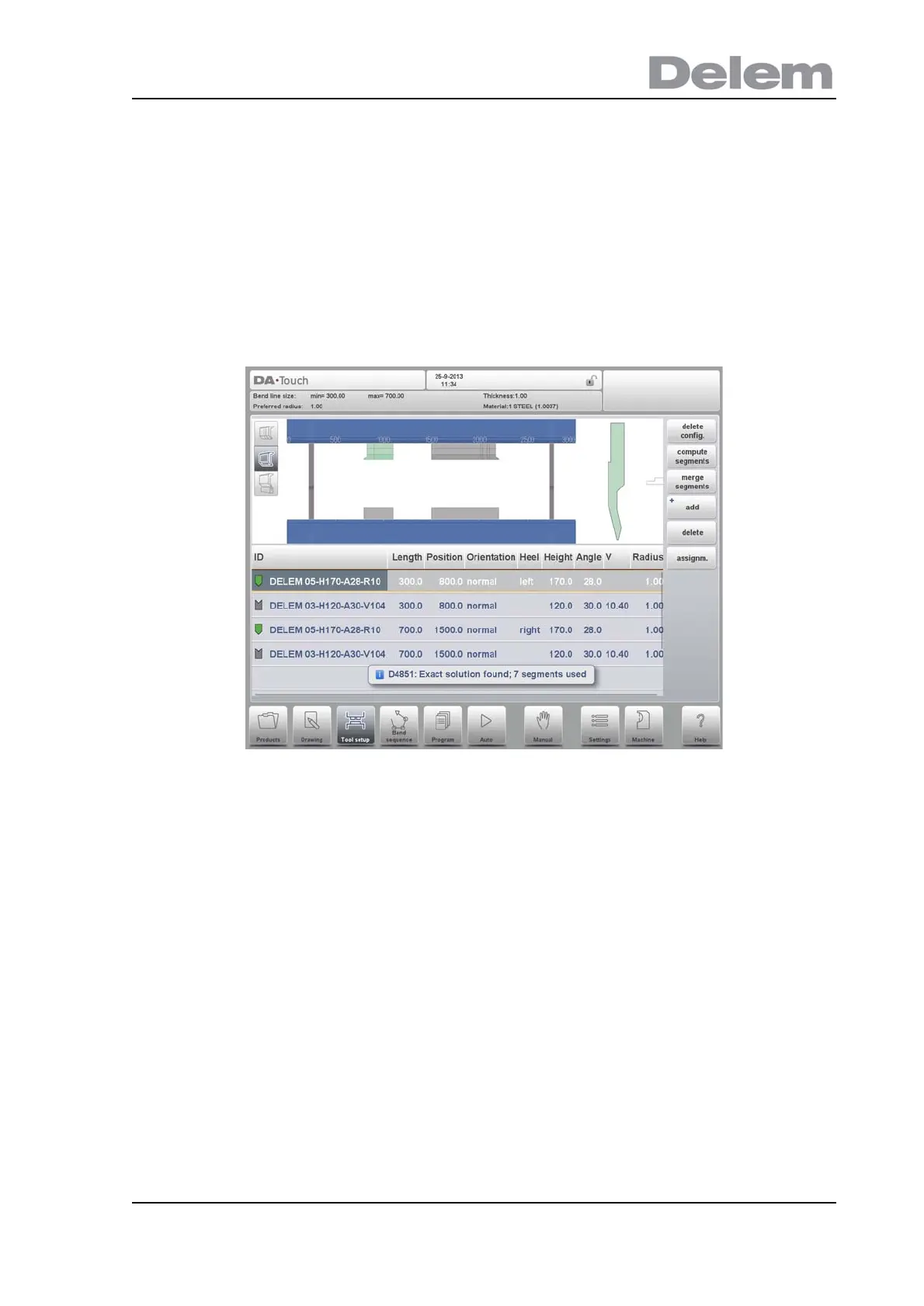
For the segmentation of tools one can press the tool segmentation function in Toolview.
The system will, based on the programmed segment lengths and number of available
segments, calculate the segmentation for that specific tool. This, taking all stations using the
same tool into account (tool segments must have been programmed in the specific tools).
After starting the function, the found results are shown and the optimisation proces results can
be followed. When an exact match has been found the indicator will turn green (later the color
of the tool symbol is colored similarly).
When a non-exact but valid length is found, taking the assignments into account, the indicator
will turn yellow. This can mean that either the inter tool distance or the tool length tolerance
has been used. Also it can mean that, given the fact that it is a 2D product, the tool is longer
than desired. The results are shown in an information message shown.
When the result of the automatic calulation is that there is no valid segmention possible, the
indicator will turn red. No segmentation will be applied.
The calculation proces can be interrupted with Cancel, or Stop accepting the current achieved
optimisation.



 To Next Page