V0913, 5.2
Functions
Unbend
Unbend the currently shown bend or start searching for the next feasible bend to unfold.
Bend
Bend the product in the simulation screen or switch to the next bend step.
Shift product / Shift gauge
Shift the product manually (if product is bent) or shift the gauge manually (if product is
unbent).
Manual selection
Manual selection of a bend line. Additional possibility to determine the bend sequence.
Compute
Compute a valid bend sequence. During the computation the bend sequence computation can
be cancelled or stopped;
• Cancel is shown when no valid bend sequence has been computed yet
• Stop is shown when a valid bend sequence has been computed already. This
could be the not optimum in production time.
Assignments
Open a screen with assignments, parameters for the bend sequence computation.
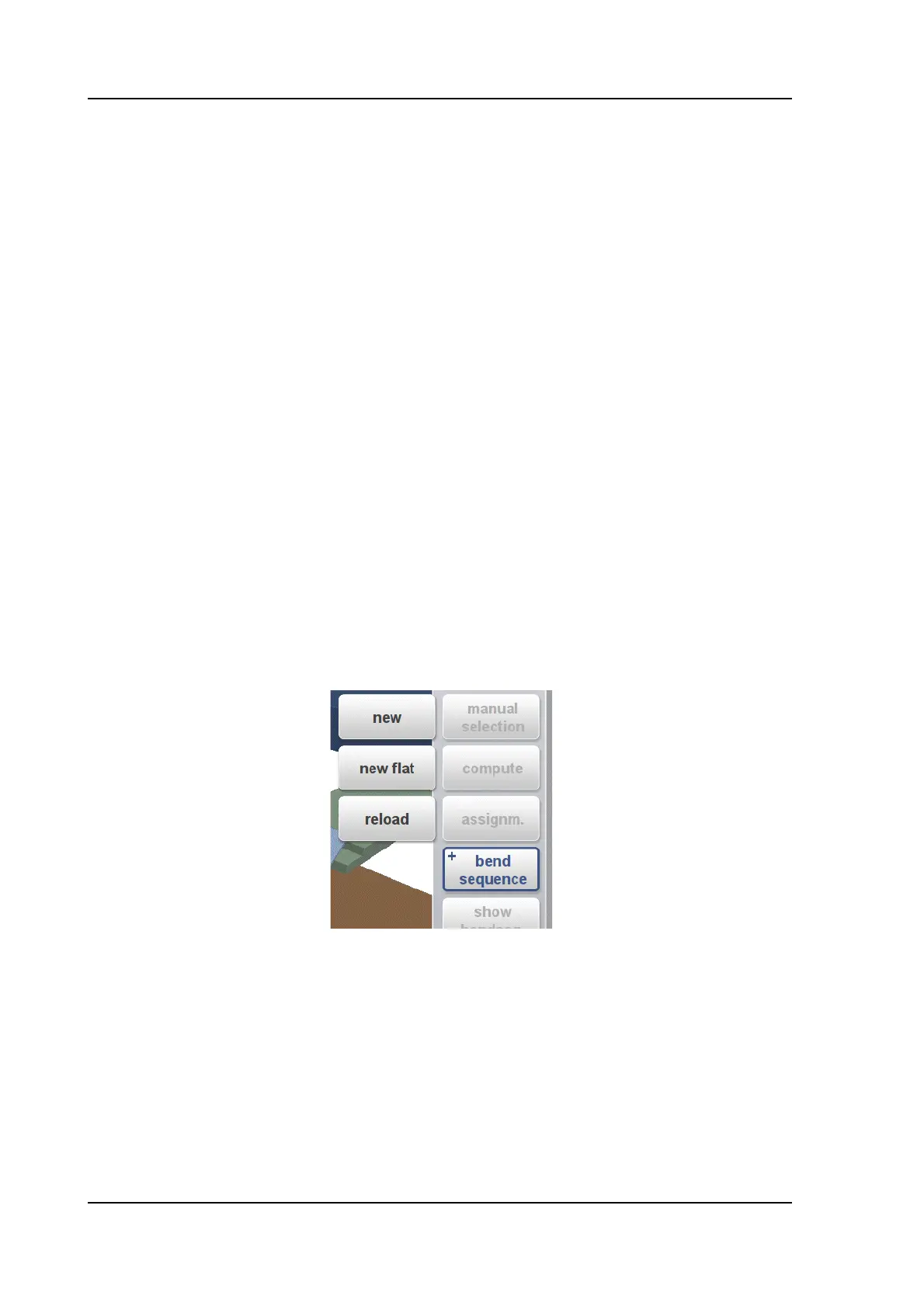
Bend Sequence
To start a new bendsequence, to reload the original bendsequence or to save a complete
bend sequence. These functions can be found under the bend sequence command button.
+New
Start a new bend sequence, any existing sequence is removed. This is for automatic
computed bend sequences.
+New Flat
Start a new bend sequence from a flat sheet. This is for manual determined bend sequences.
+Reload
Restore an existing bend sequence from disk, but disregard any related CNC program. This is
also including corrections.



 To Next Page