V0913, 1.1
1. Operation overview and general introduction
1.1. The control unit
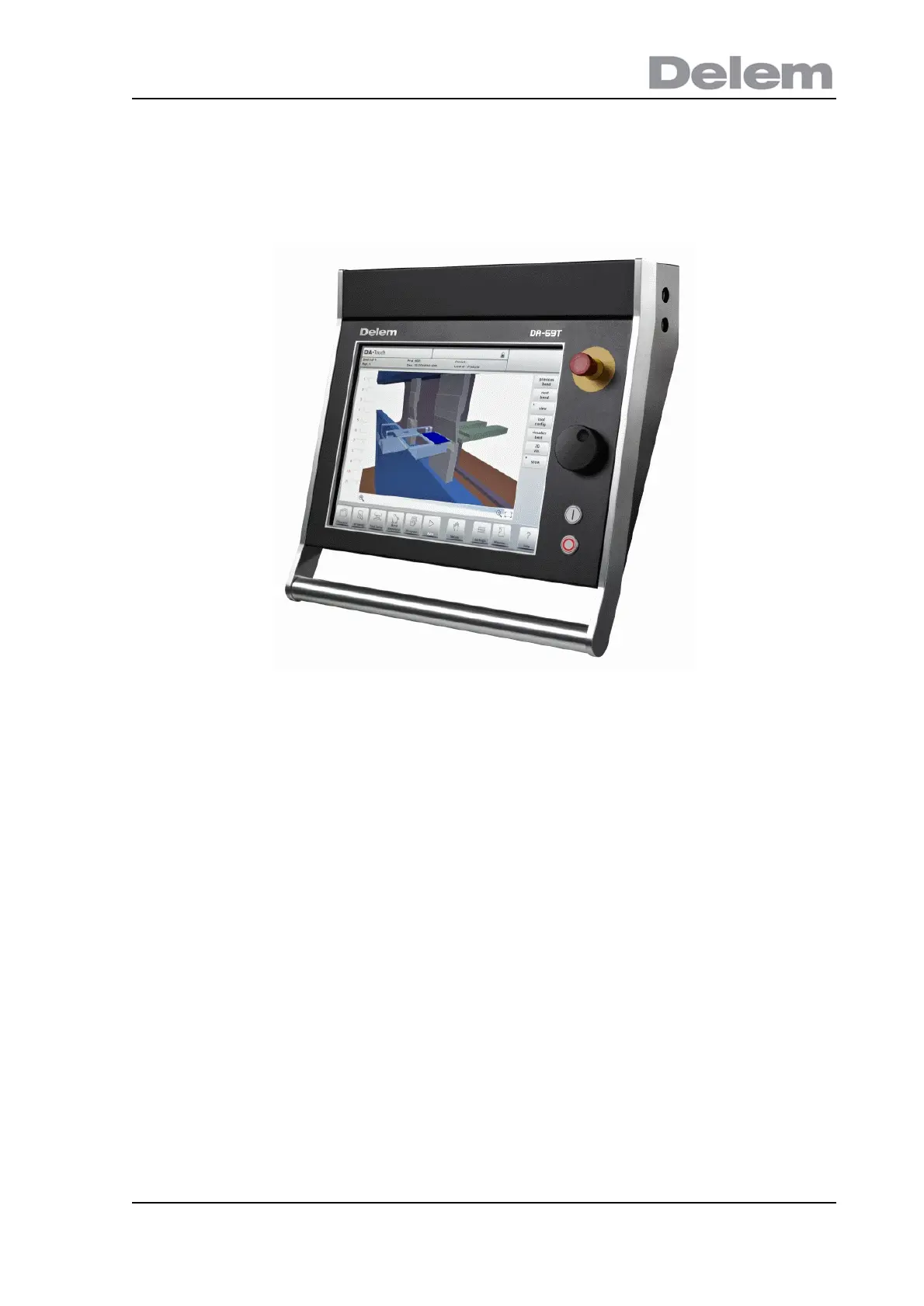
The control looks as follows:
The precise outfit of your control may vary.
Operation of the control is mainly done over the touchscreen. A description of the functions
and available touch controls is given in the next sections of this manual, aside of the
description of the specific functions.
Beside the touch controls the front of the control consists of an emergency stop, the
handwheel and the start and stop buttons.
Special function keys, which can be mounted in the top panel of the control, have their specific
description parallel to this user manual and will be supplied by the machine manufacturer. This
user manual focuses on the control software and related machine functions.



 To Next Page