V0913, 2.7
2.1.6. Edit, Copying and Deleting a product or program
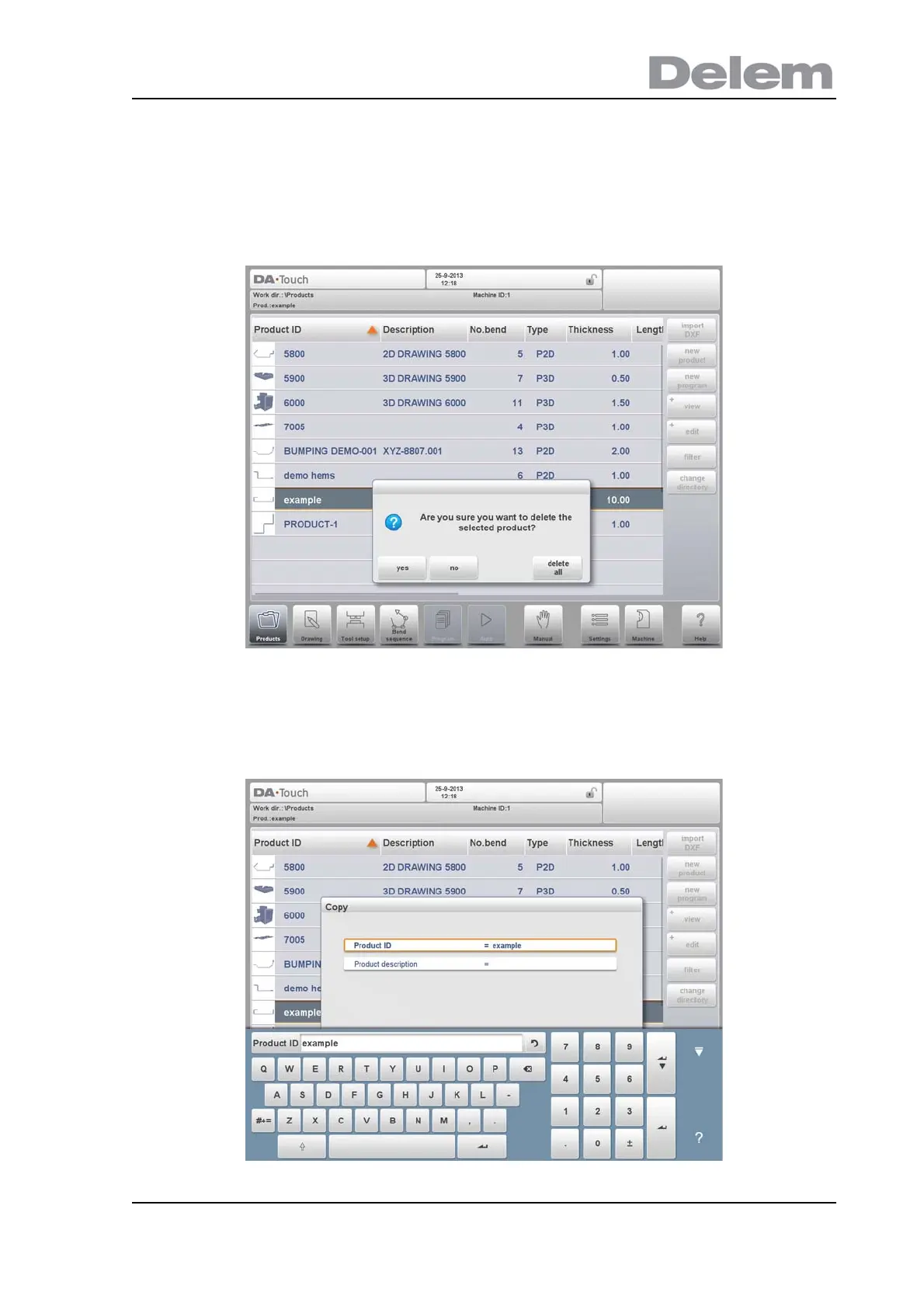
To delete a product in the Products mode select a product by tapping it. It will be selected.
After that tap Edit and use Delete. To finally delete it confirm the question. To delete all
products and programs at ones, tap Delete All.
To copy a product select a product or program and tap Edit and use Copy. After this the name
of the product can be programmed and the copy will be done. The product will appear in the
same directory. The copied product will be an exact copy including tool setup and bend
sequence if available.



 To Next Page