V0913, 2.11
2.2. The DXF import option
An alternative for drawing the desired product in the control, the control can also import an
externally generated CAD-system output file. This chapter will explain the use of the DXF
converter to import DXF files and its functionality.
(This functionality is optionally available in the DA-66T for 2D products only)
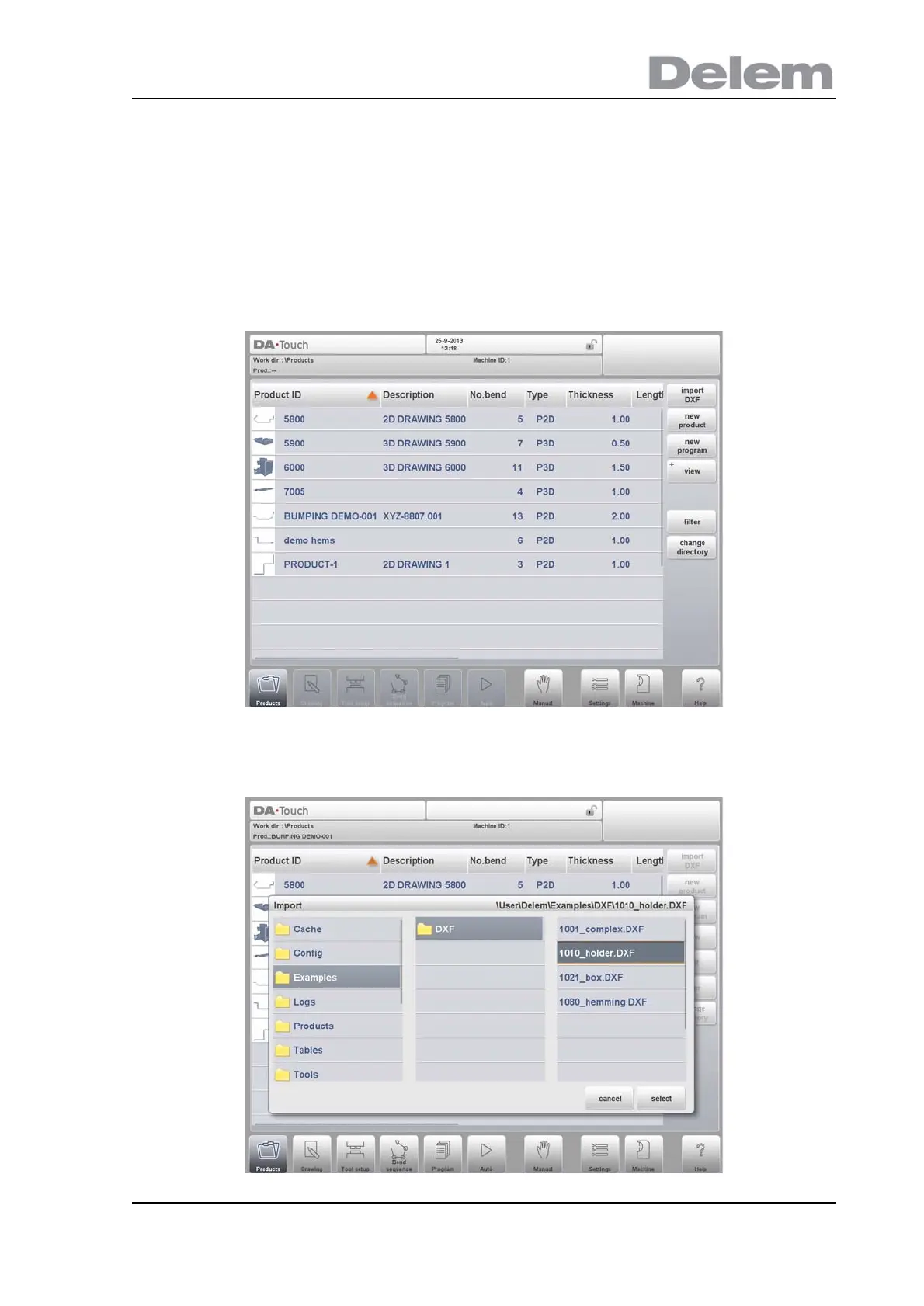
The DXF import option is started with the command button above New Product. Import DXF
opens a file selection browser to select the DXF file.
Files can be located on eg. a USB stick or on the network directory. One can browse to the
location and select the file.



 To Next Page