V0913, 10.46
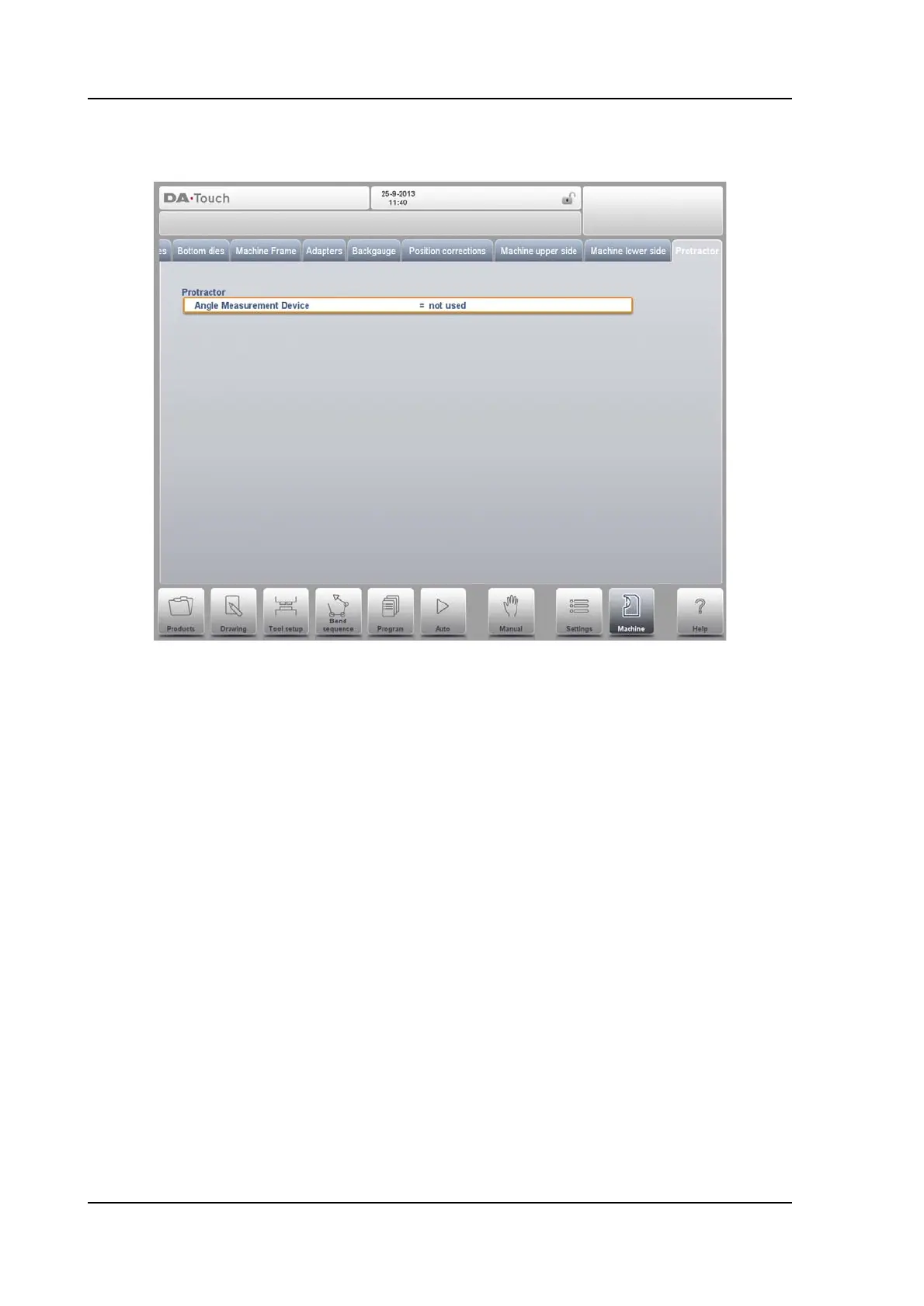
10.10. Protractor
With this parameter you can select a digital angle measuring device when the option OP-W-
PROTRACTOR has been installed.
Angle Measurement Device
• Not Used
• Mitutoyo 187-50x
• Mit.187-50x U-WAVE (this option will only be displayed if the wireless receiver has
been detected during start-up)
This device can be used in the production modes. Place the cursor on either the alpha
correction field or in the pop-up window aplha corrections on the measured angle field
and press the transmit button on the angle measuring device. The control will display
the received angle on the screen. By selecting the enter key this value is accepted and
the control will calculate the required correction based on this received angle value.
Auto enter corr.
α
off => After a measurement, the angle correction will be calculated and
displayed on the screen. The machine operator has to select the angle correction field
and press the enter button to copy the correction.
on => The angle correction field will be selected automatically. From the
measured angle, the correction is calculated and copied into the correction parameter
automatically without selecting any button on the DA-control.
Angle tolerance
Maximum allowed deviation between the programmed angle and the measured angle.
When the measured angle differs too much from the programmed angle an error



 To Next Page