V0913, 10.44
10.9. Machine lower side
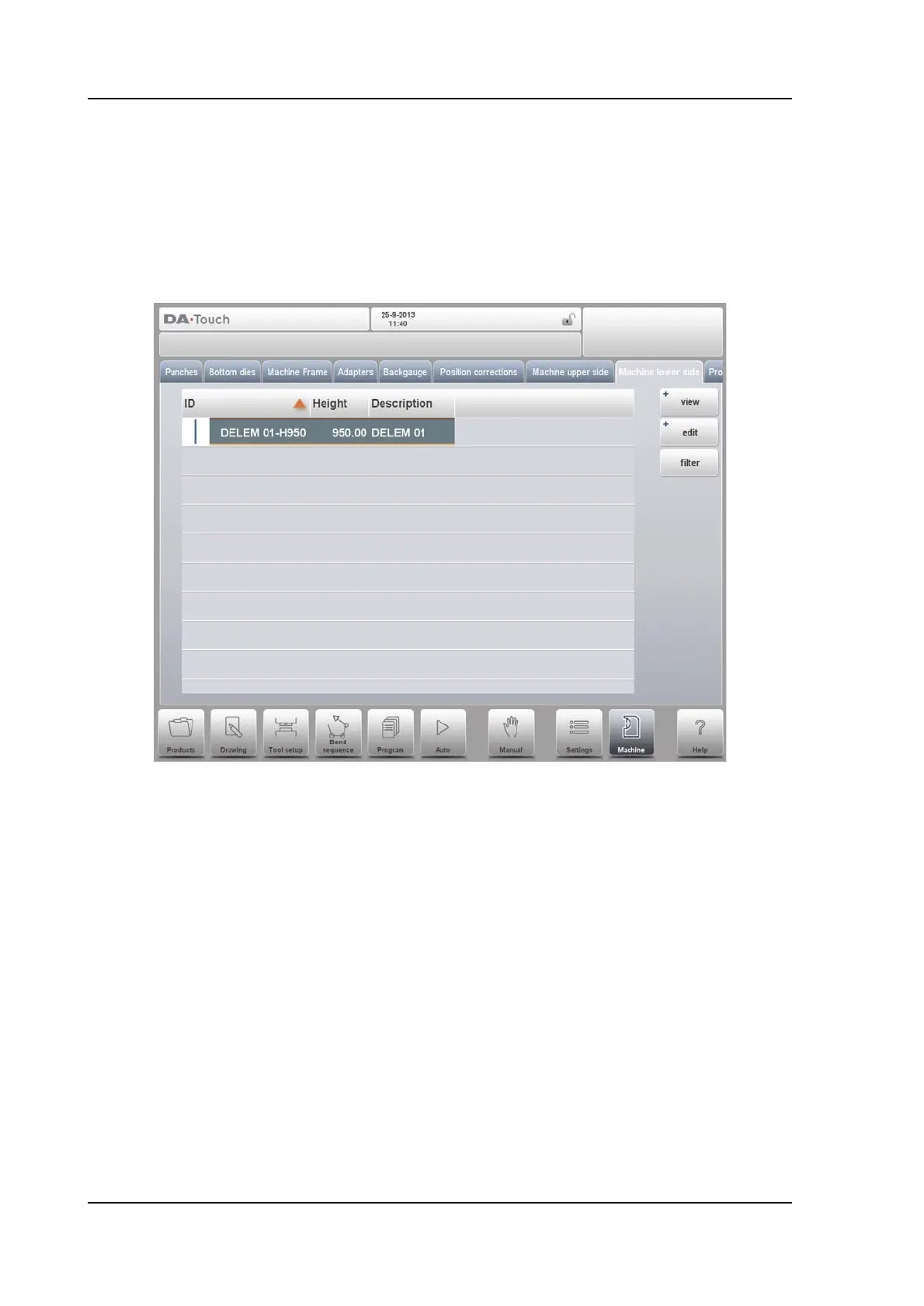
In this tab the machine geometry for the lower side (table), as a profile, can be programmed.
This information is used in the collision detection of collisions with product and machine.
When e.g. utilities are added to the machine in special cases, these can be programmed as a
special machine shape to enable the collision calculations to take this into account.
In most instances there is only one shape programmed.
To create a new machine part, tap Edit in the library and subsequently use Add.
The control will start by asking for an ID, a description and a height.
ID
Unique name or number to identify the machine part. The maximum length is 25
characters.
Description
A name or description of this machine part. The maximum length is 25 characters.
Height
The total height of the machine part.



 To Next Page