V0913, 5.5
View functions
5.1.2. Bend selector
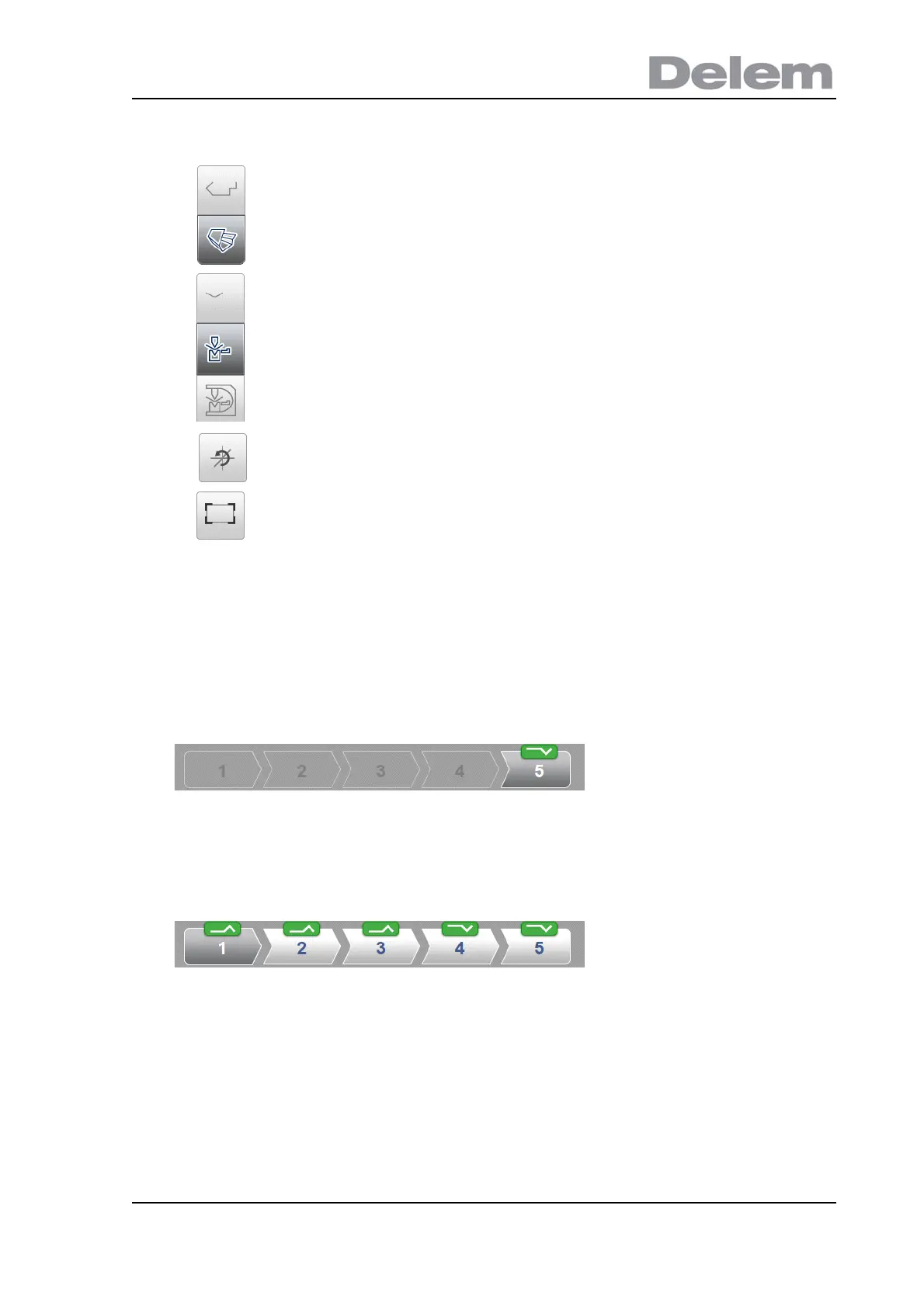
Within the bendsequence screen bends can be selected and navigated thru with the bend
selector. In the top of the screen the number of bends is indicated with preliminary bend
selectors. After completing the bend sequence, these are all colored, active and show a turn
indicator.
From then bends can be tapped to easily to select the desired bend data. In the bend selector
the turn indicator will be displayed showing green, yellow or red colors to indicate the level of
complying the assignments of the bend sequence.
The upper command icons give direct acces to 2D, 3D view
selection.
The visualisation of machine, tools and product can be selected with
the second set of command icons in the screen.
Toggle between some possible ways of displaying the product/tool
configuration:
•product
• product/tools
•all
Reset rotation resets the original rotation view.
Fit-to-view, scale to fit function to scale the product to fit the view.



 To Next Page