V0913, 10.36
10.5. Adapter
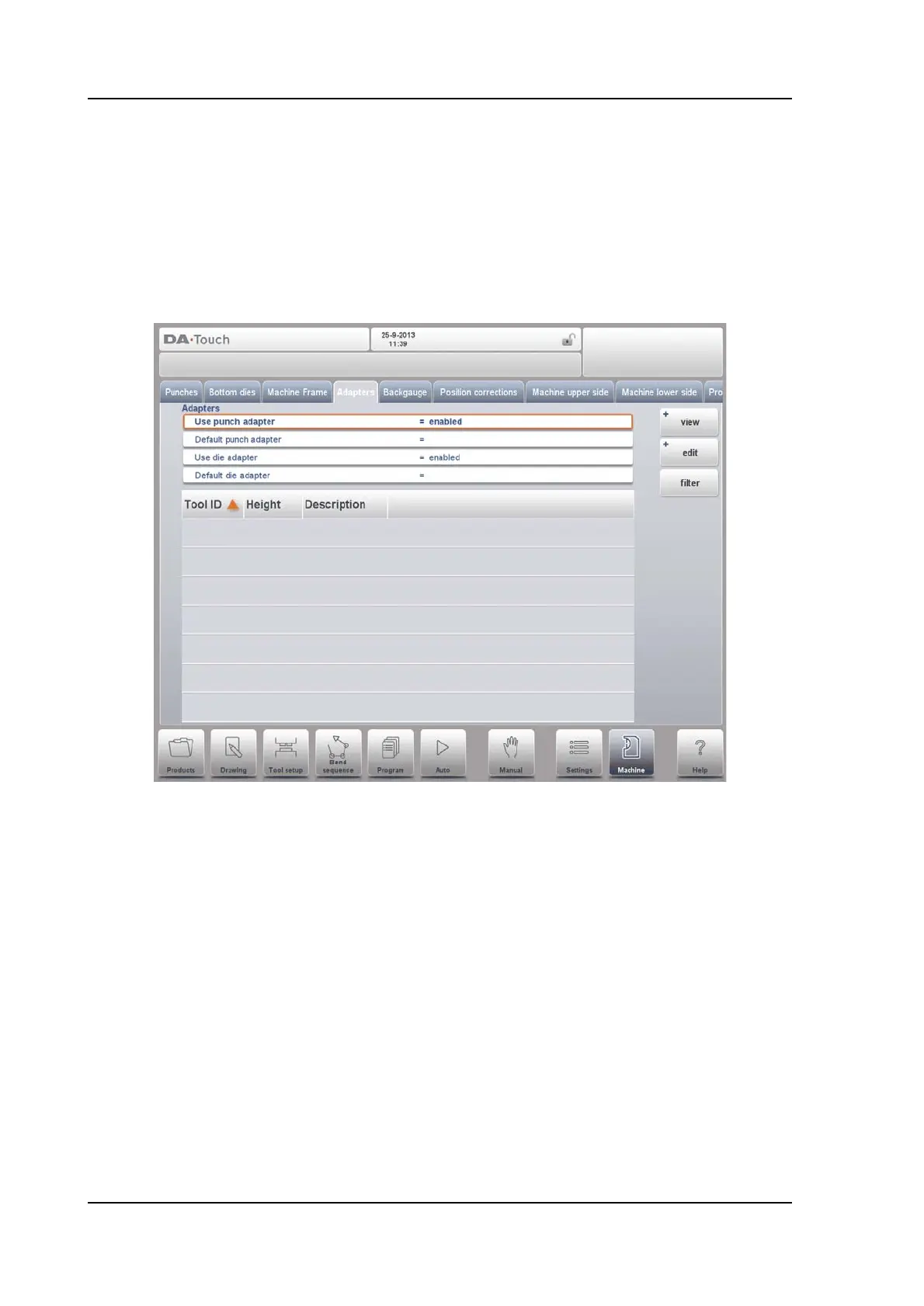
On this page the tool adapters can be enabled and programmed.
Upon choise upper adapters as well as lower adapters can be enabled. The default adapter
which will be chosen, when an adapter is added to the tool setup, can also be set.
When adding an adapter, first basic parameters need to be given based on a template. In the
second stage the adapter details can be drawn like any other punch or die.
Mounting point
Within the drawing one also finds the mounting point of the adapter. This point, indicated with
the triangle arrow, shows at what point the adapter is connected to the table. The second
arrow in the upper level of the adapter indicates where the die will be placed in this adapter.
Mounting points can also be found in dies and in the table. When this function is not enabled,
the indicator is not shown.



 To Next Page