V0913, 6.1
6. Product programming
6.1. Introduction
To edit an existing CNC program, select a product in the Products overview and select the
navigation button Program. When starting a new program, select New Program and after
giving in the main product properties, the system will automatically switch to Program.
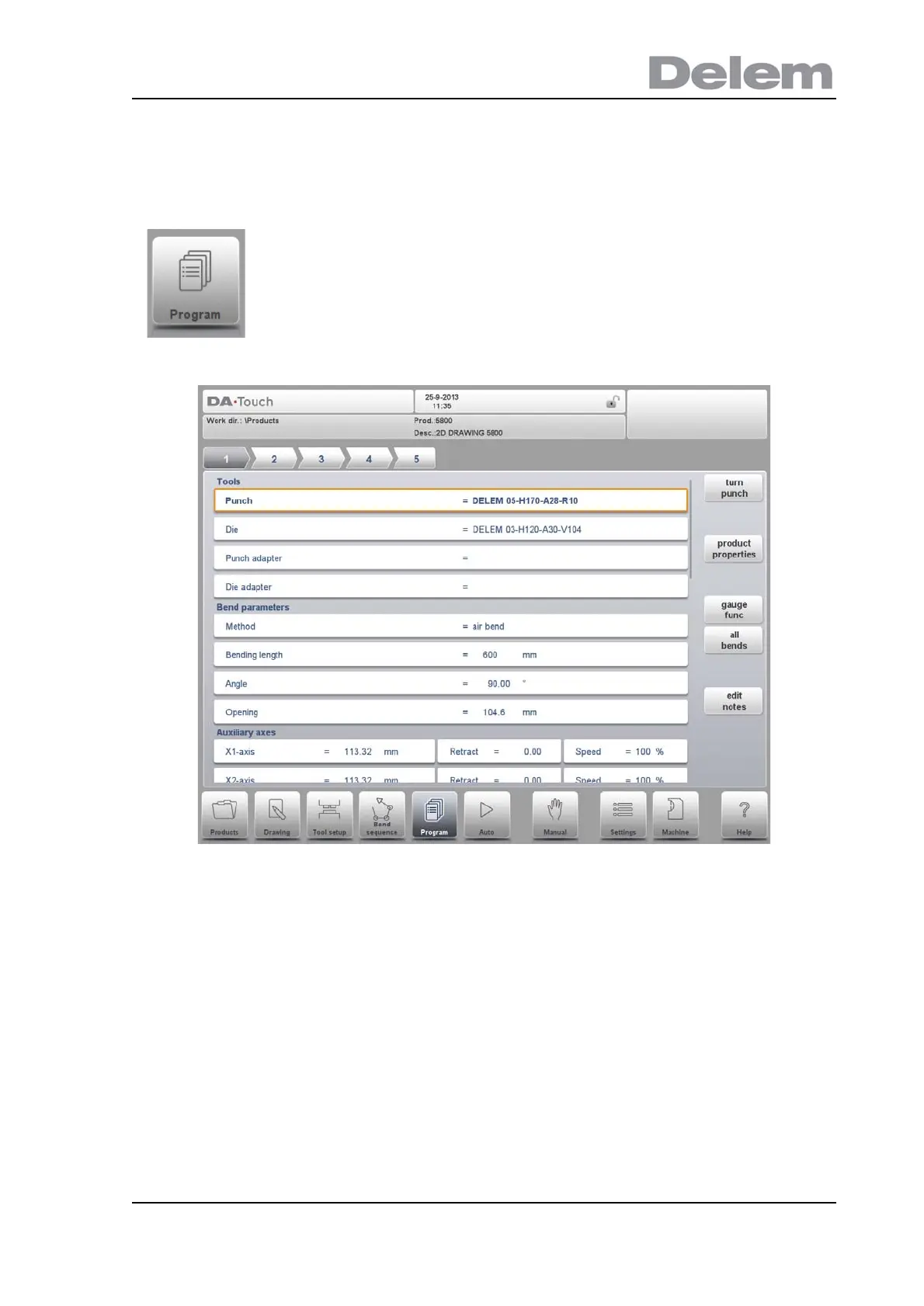
In both cases, a screen as shown above should appear. Programming and changing data is
done in the same way for both modes.
To generate or modify a numerical program, start a new program
from the Products mode or use Program to enter directly



 To Next Page