V0913, 2.2
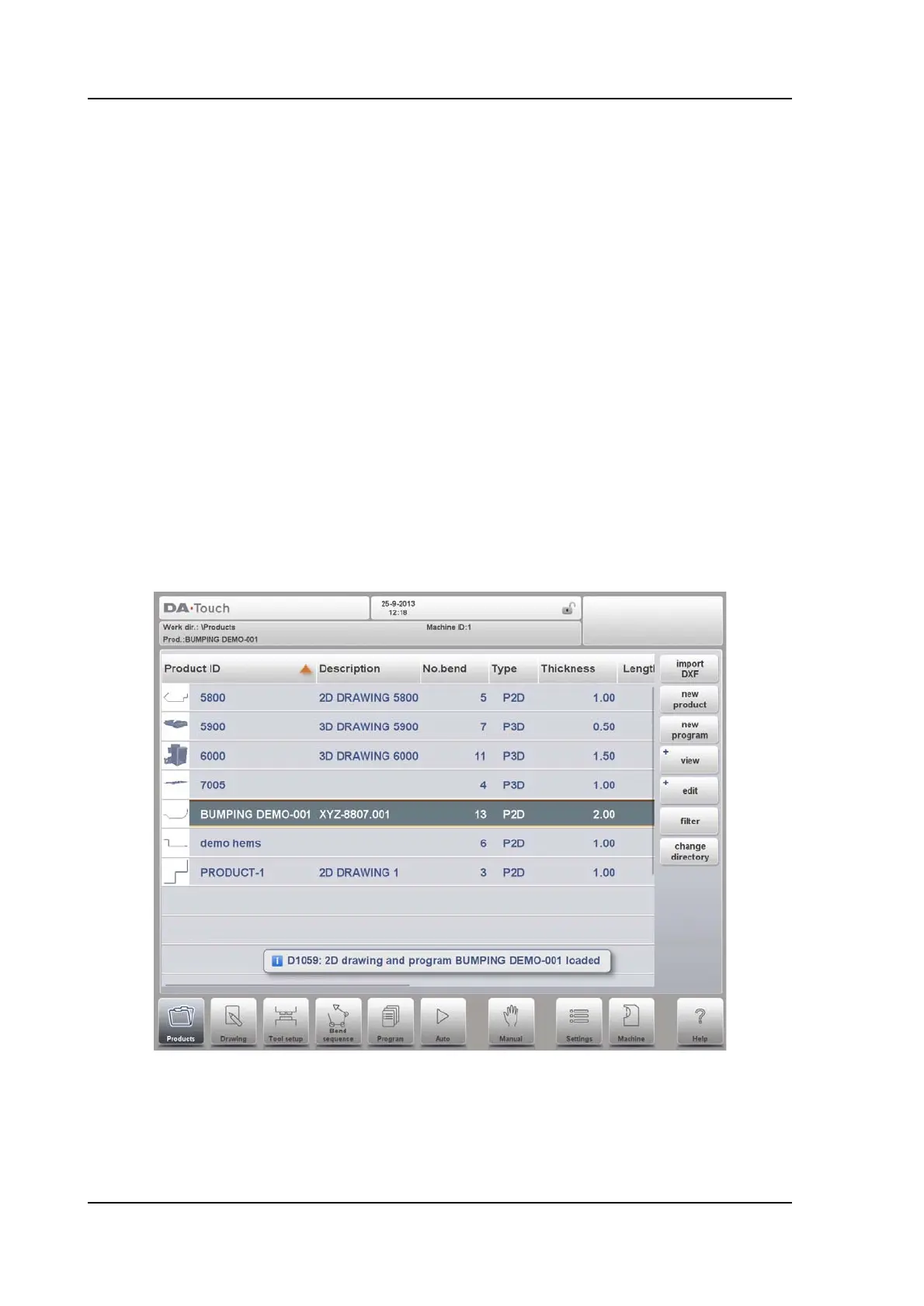
If a product program is already active its ID is shown in the top of the screen. A program can
be loaded by tapping the product ID or any other part of the product's line.
When there are more products than can be visualised in the screen simply drag the list in the
upward direction until the product is visible. From then again a single tap on the product
selects the product and activates it in the control.
2.1.2. Product selection
To select a product a single tap will do. The product will be selected and loaded into the
memory. From here production can be started by tapping Auto. Also navigation can start
through the Products Drawing (if existing), it's Tool Setup, the Bend Sequence and also into
the numerical Program of the product.
P-- the product has a CNC program, there is no drawing
-2D the product consists of a 2D drawing, there is no CNC program
P2D the product has a 2D drawing and a CNC program
-3D the product consists of a 3D drawing, there is no CNC program
P3D the product has a 3D drawing and a CNC program



 To Next Page