V0913, 1.16
1.6.7. Keylock function
To prevent for changes to products or programs, the keylock function offers the possibility to
lock the control. In the locked state, only a product can be selected and executed in Auto
mode.
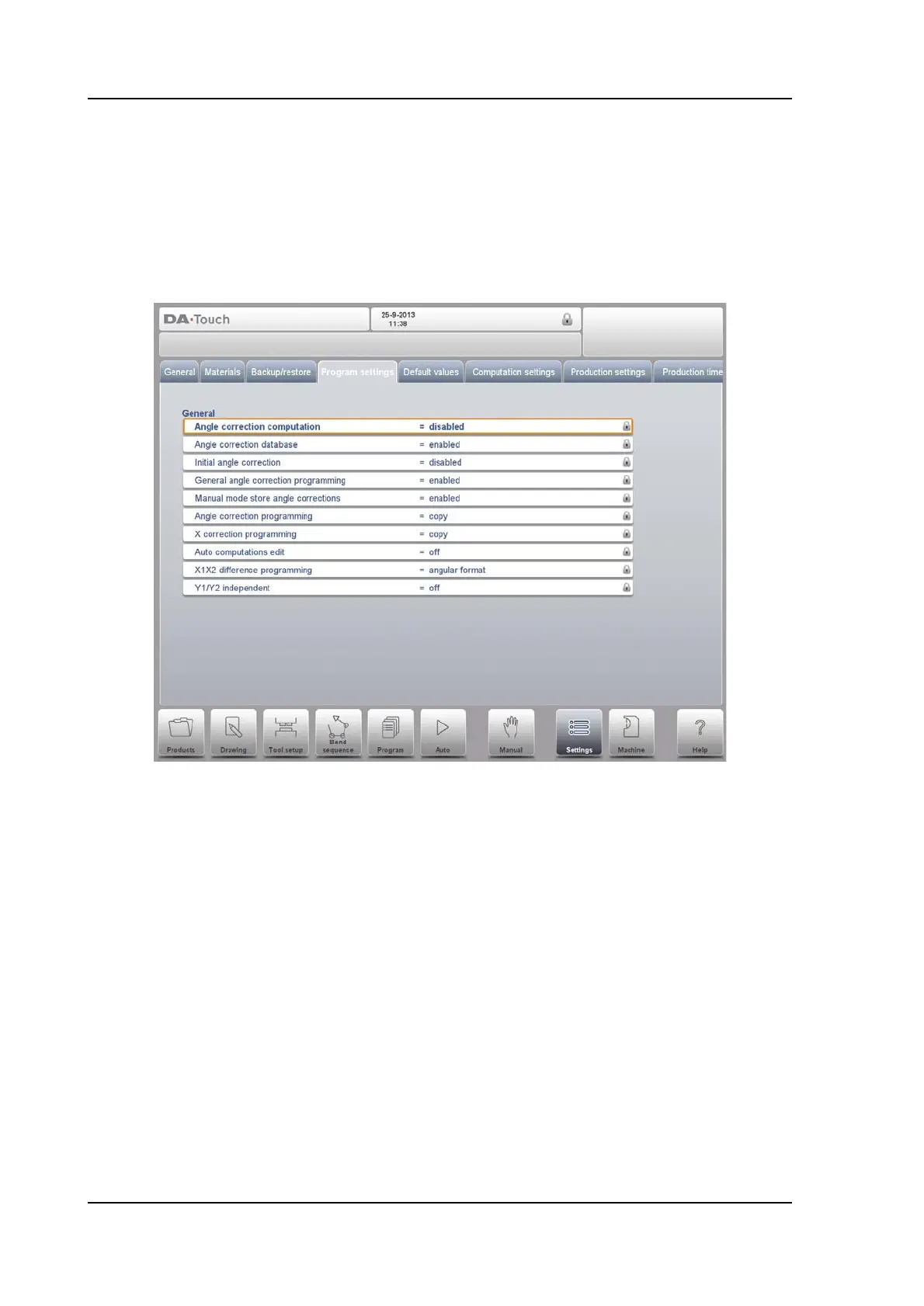
To lock a control just tap the lock symbol in the top of the screen.
Lock symbols will also appear behind parameters to show the lock is active and modification
is not possible.
To unlock the control, tap the lock symbol and enter the appropriate code. After entering, the
lock symbol will show it is unlocked and the lock symbols behind parameters will disappear.



 To Next Page