V0913, 3.1
3. Product drawing
3.1. General product properties
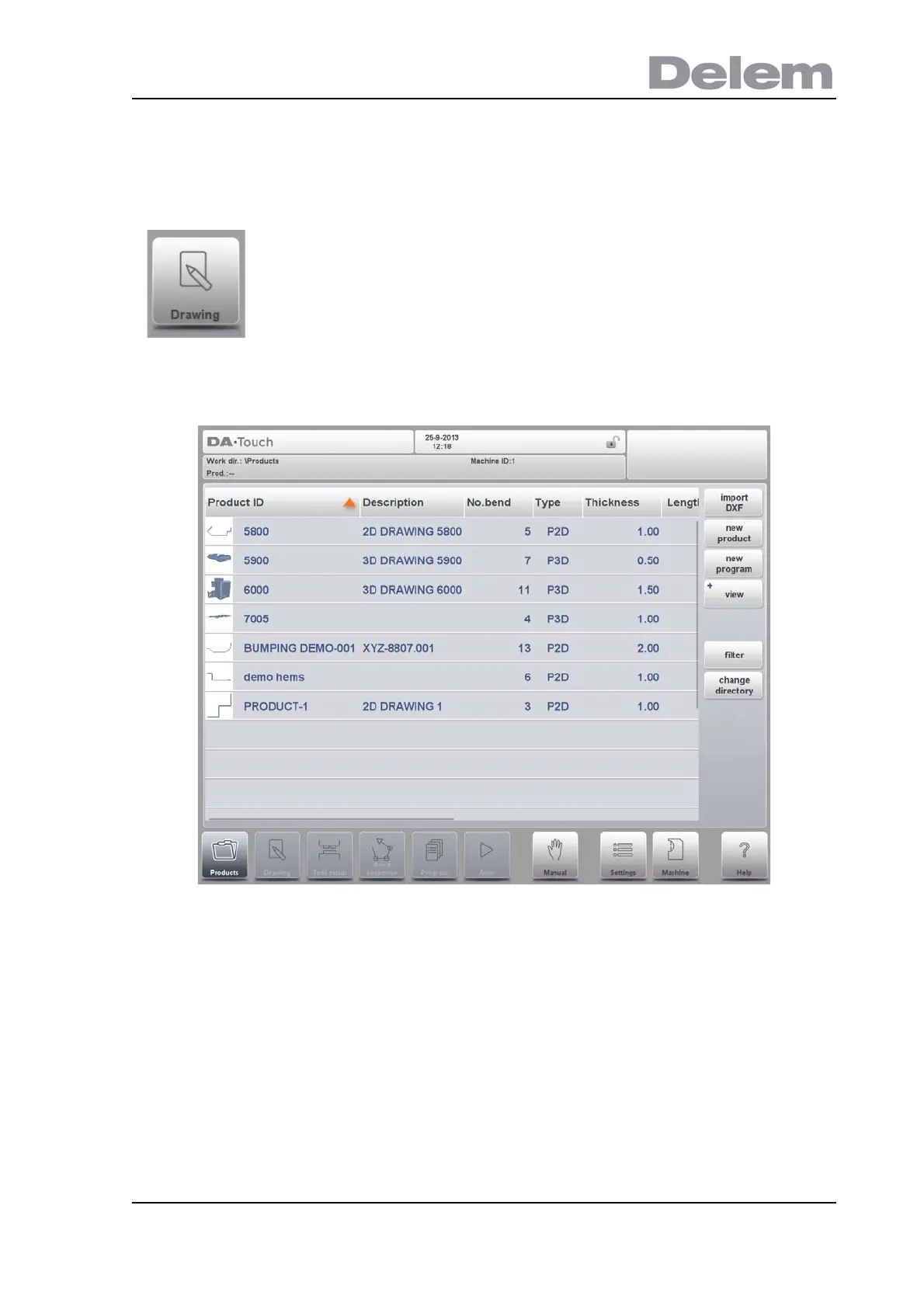
To start a new product drawing, choose New Product in the product library
When a new product drawing is started a screen with general product properties appears.
First these properties, general data, should be set before starting with the product drawing.
To edit an existing product drawing, choose the specific product
from the Product library and select Drawing.



 To Next Page