V0913, 5.9
Cancel
Leave the current screen without saving changes.
Accept
Save the changes and leave the current screen.
5.3.2. Move gauge
The control automatically computes at each bend the X axes, R axes and Z axes positions.
It takes into account the values of the option assignments and searches for a solution without
collision of the fingers with the product. In order to be able to choose alternative positions, you
can move the fingers manually.
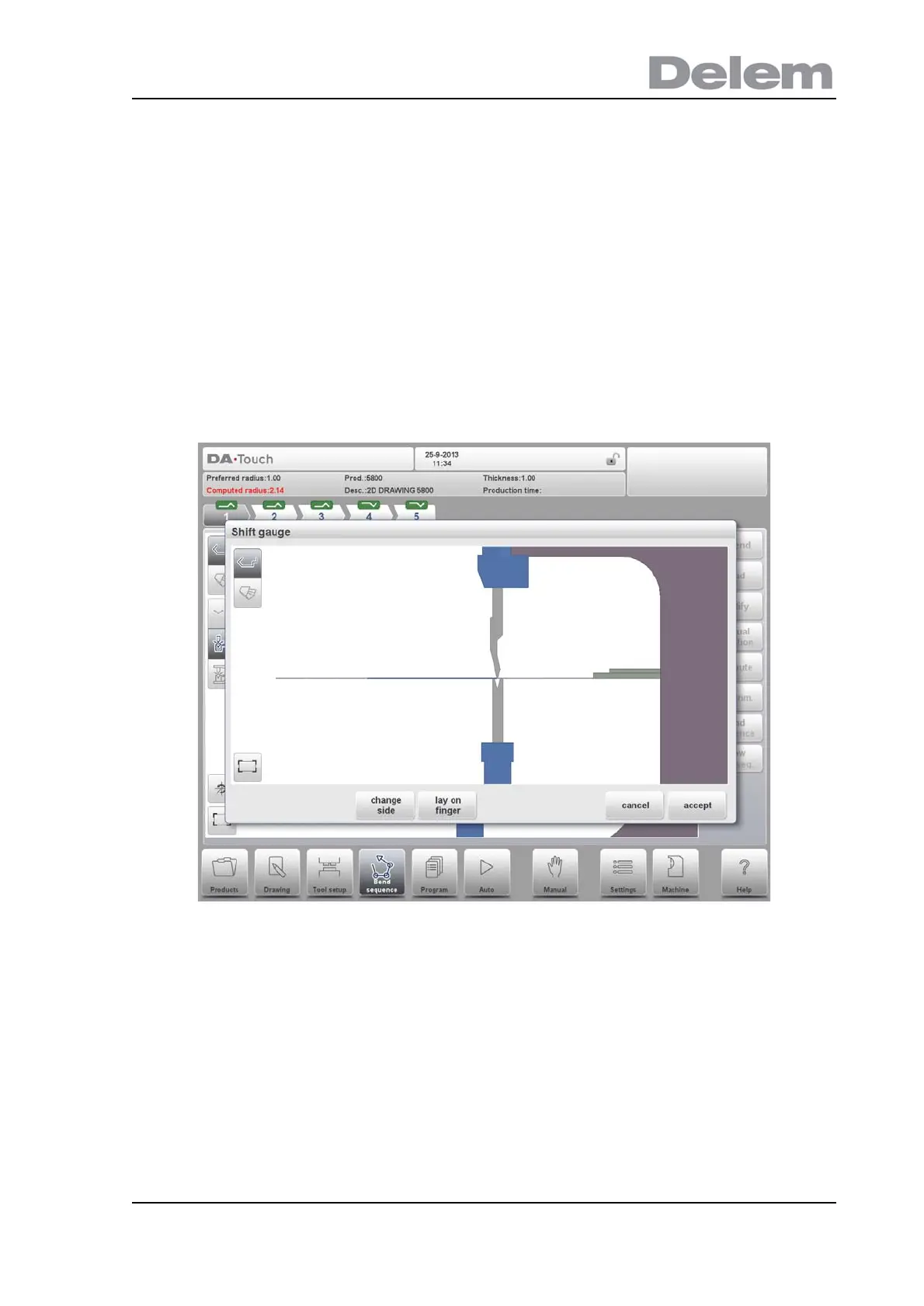
When the product is unbent, select Shift Gauge. A pop up window displays the backgauge
fingers with one finger highlighted.
The fingers can be moved by means of the different available functions.
Functions
Select Finger
Select the finger to move.
Pinch corner
Position the finger around the corner of the contact surface to fixate the product both in X-
direction and Z-direction; this is only possible on a machine with special fingers that have the
pinching possibility. Also the control should be equipped with this option.



 To Next Page