V0913, 5.10
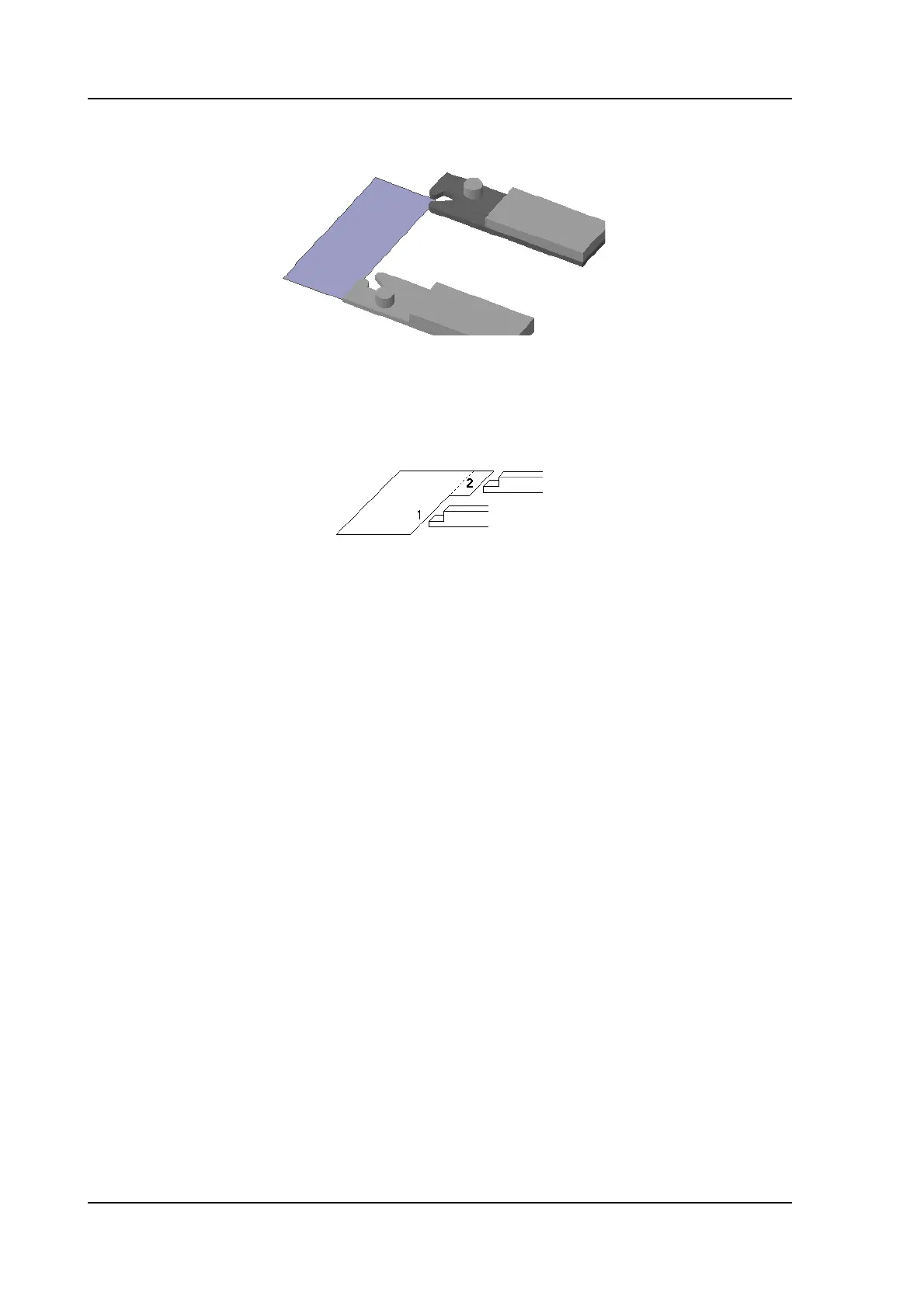
Change Side
Move the selected finger to another side of the product behind the machine. In the example
there are two possible finger positions to choose.
This way is only possible and will only be accepted if the required axes are enabled in the
control (like X1 and X2).
Lay On Finger
Toggle between lay product on selected finger or not. This option is only selectable in case
you have R-axes in your machine.
Shift Left
Shift the selected finger to the left. The step size is displayed at the command line prompt and
can be changed.
Shift Right
Shift the selected finger to the right. The step size is displayed at the command line prompt
and can be changed.
Cancel
Leave the current screen without saving changes.
Accept
Save the changes and leave the current screen.



 To Next Page