V0913, 4.8
To merge a segmented tool to a non-segmented tool, the Merge segments button can be
used. When changing the properties (e.g. length) of a segmented tool, it will automatically
merge into a non-segmented tool.
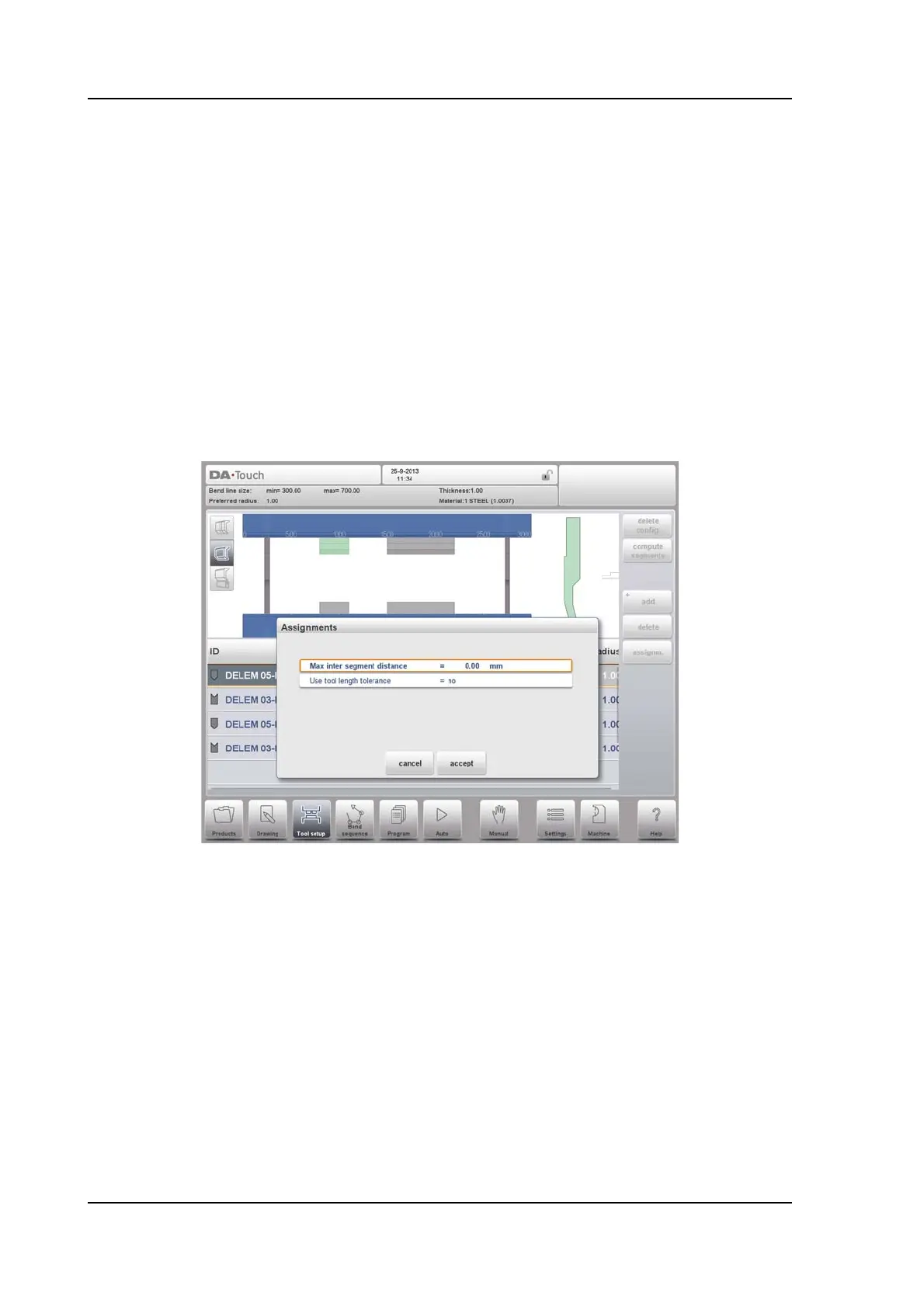
Assignments
The assigments used during the segmentation calculation can be found by tapping the
Assignments button.
The following assigments are available:
Max inter segment distance
The distance allowed in between segments.
Use tool length tolerance
To enable this tolerance for the allowed segmentation deviation.
4.5.2. Segmentation view
When switching to Segmentation view, the segments of the tools will be shown, both in the
graphical visualisation and in the list below.
Only the segments from the selected tool are shown. The individual segments can be moved
and changed, and the list shows the division of segments of which the tool can be build from.



 To Next Page