V0913, 1.11
1.6. Programming aids
1.6.1. Help text
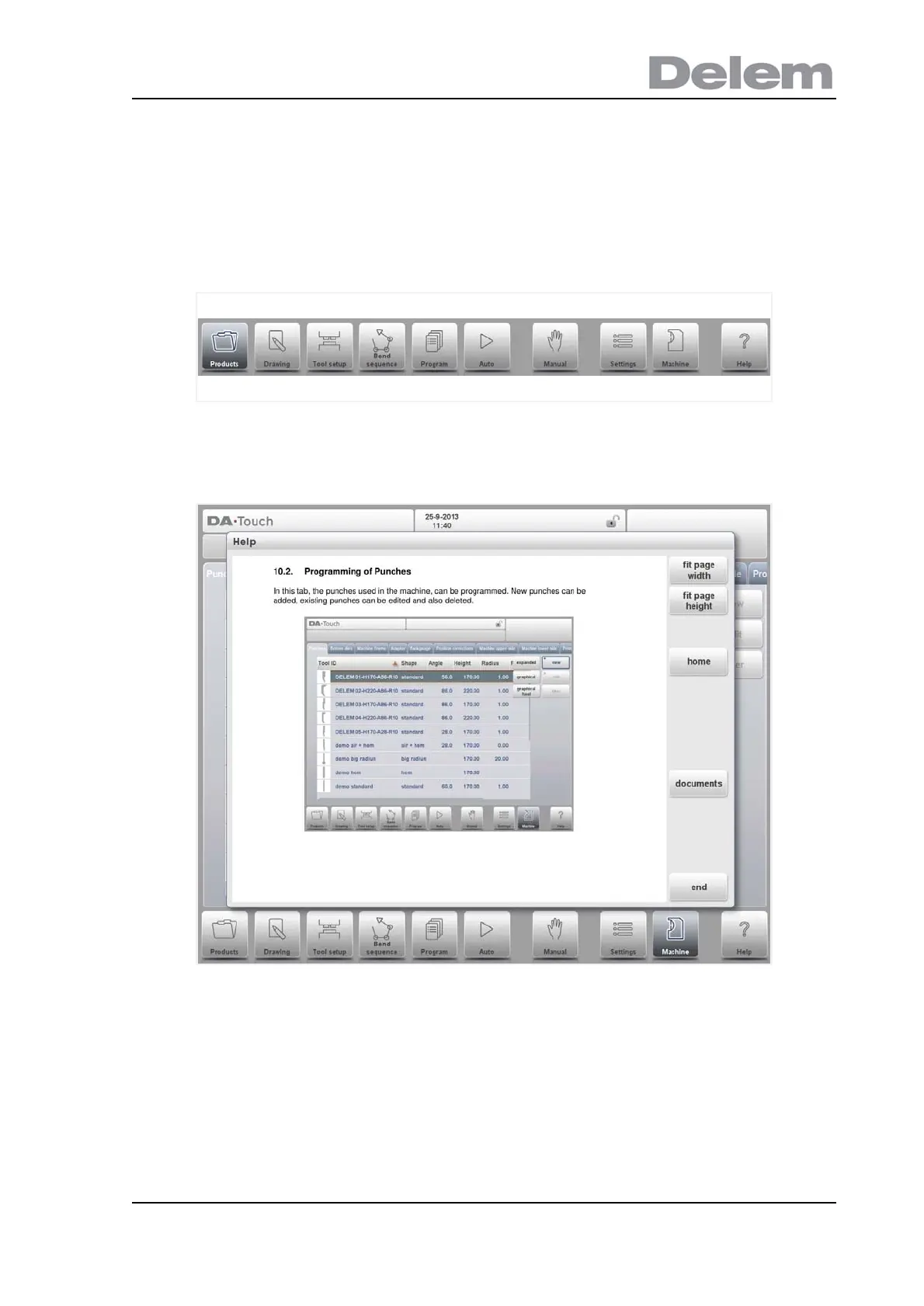
This control is equipped with an on-line Help function. When the Help-button in the navigation
panel is pressed context sensitive help will be provided.
To activate a help window for a parameter tap the Help button in the navigation panel.
A pop-up window appears with information on the active parameter.
This Help window contains the same information as the Operation manual.
The help window can be used as follows:
You can scroll through the text sliding one finger in the desired direction. By tapping on the
lower or upper part of the screen Previous Page / Next Page can be used to browse through
the help text.
The Index function helps to jump to the table of contents. Hyperlinks in the table help to
directly navigate to the desired topic.
Tap End to close the Help window.



 To Next Page