V0913, 3.4
3.1.1. Add Notes
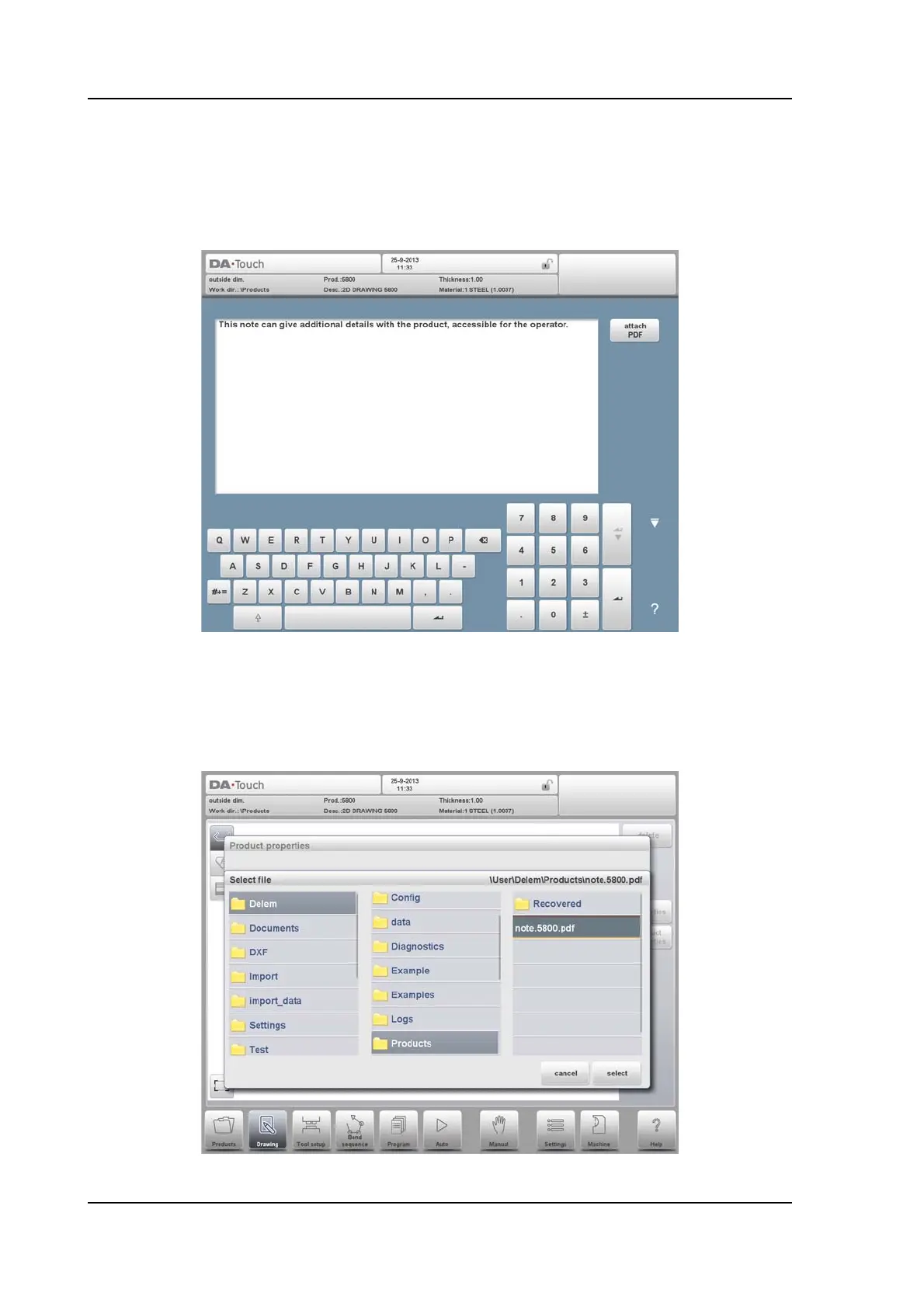
When Edit Notes has been pressed, a new window appears in which you can edit the text
about the current product. The possible characters are displayed on the keyboard.
To attach a PDF file to the note tap Attach PDF. Via the directory browser a PDF file can be
selected and will be incorporated in the product file.
When solely a PDF file is attached without a textual note, the PDF will be shown
instantaneously when the user presses the Notes indicator in Auto mode.



 To Next Page