V0913, 3.5
3.2. 2D product drawing
3.2.1. Introduction
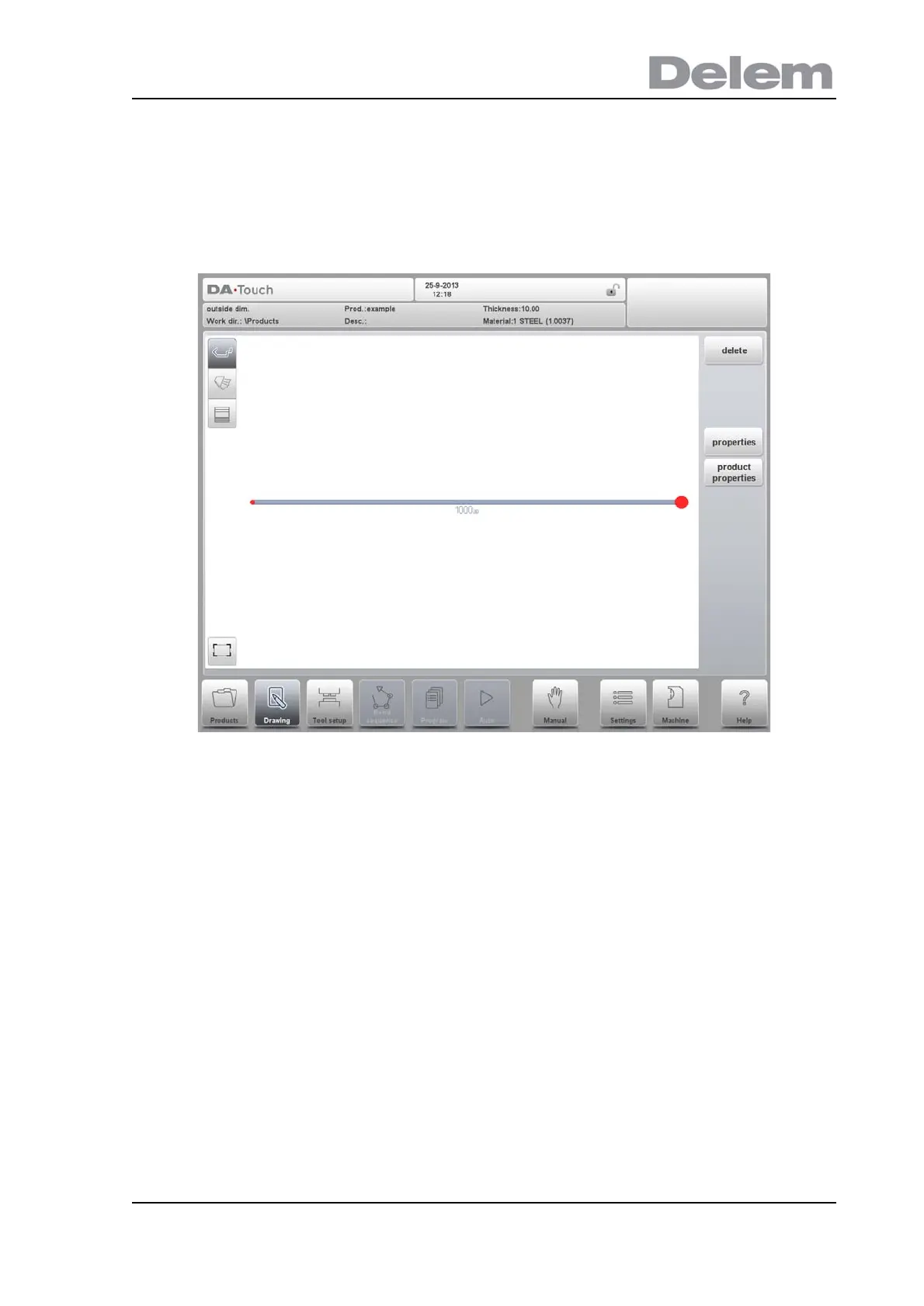
After entering the general product data the drawing screen appears.
In the upper information row you will find the information about product ID, product
description, inside/outside dimensions selection and actual product directory.
Now you can create the profile of the product. It is possible by using your fingers to tap and
create quickly the product in 'sketch' mode. After that the real product dimensions and
corresponding values can be entered by using the keyboard.
It is also possible to directly enter the angle of the bend followed by the length of that side by
using the keyboard and the Enter button. The properties are prompted in the input bar of the
screen on the keyboard panel. This procedure continues until the product has the desired
profile.
The product data can be changed by selecting Product Properties. The properties of the
product angles and lines can be changed by selecting Properties.



 To Next Page